Overview
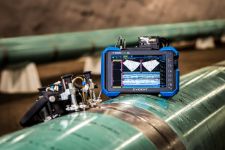
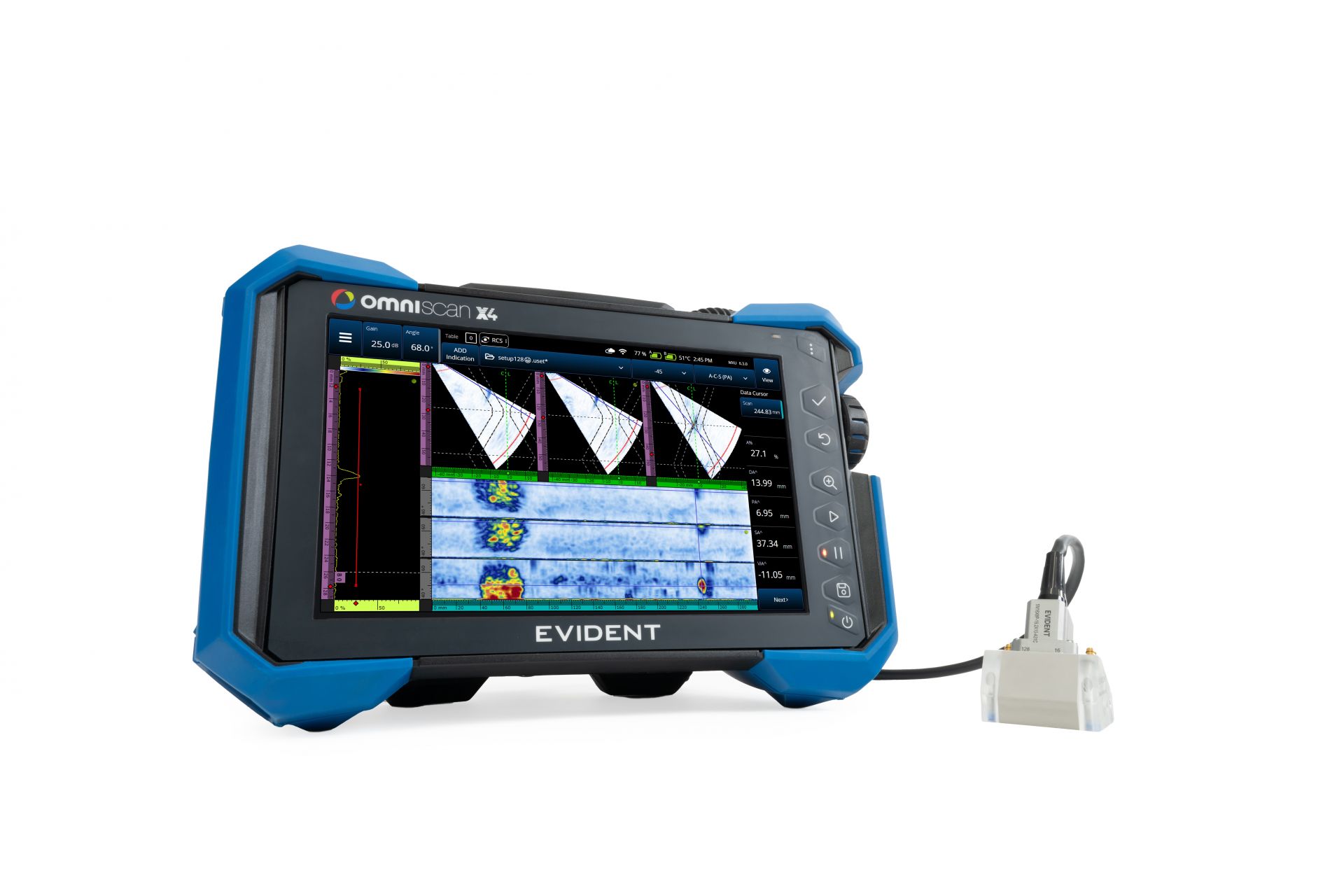 | Expand Your Application Capabilities with OmniScan X4 128:128PR*Take on more complex challenges with confidence while keeping your equipment lightweight and field-ready.
*Patent pending |
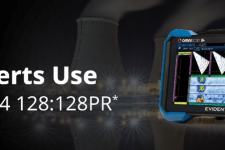
What the Experts UseA portable yet powerful solution, the speed and versatility of the OmniScan™ X4 multitechnology series boosts your productivity while increasing confidence in your assessments. Exploit its advanced phased array capabilities, efficient total focusing method (TFM), and innovative phase coherence imaging (PCI) to detect and interpret challenging flaws and secure the integrity of your assets by identifying damage earlier. |
Proven to Perform, Trusted to DeliverEach OmniScan X4 unit is a complete multitechnology inspection toolbox, enabling you to exploit multiple ultrasonic testing techniques. Leverage its detection and measurement capabilities to accurately identify and evaluate the severity of damage before it becomes critical, protecting welds, components, and assets most susceptible to cracking or corrosion. |
|
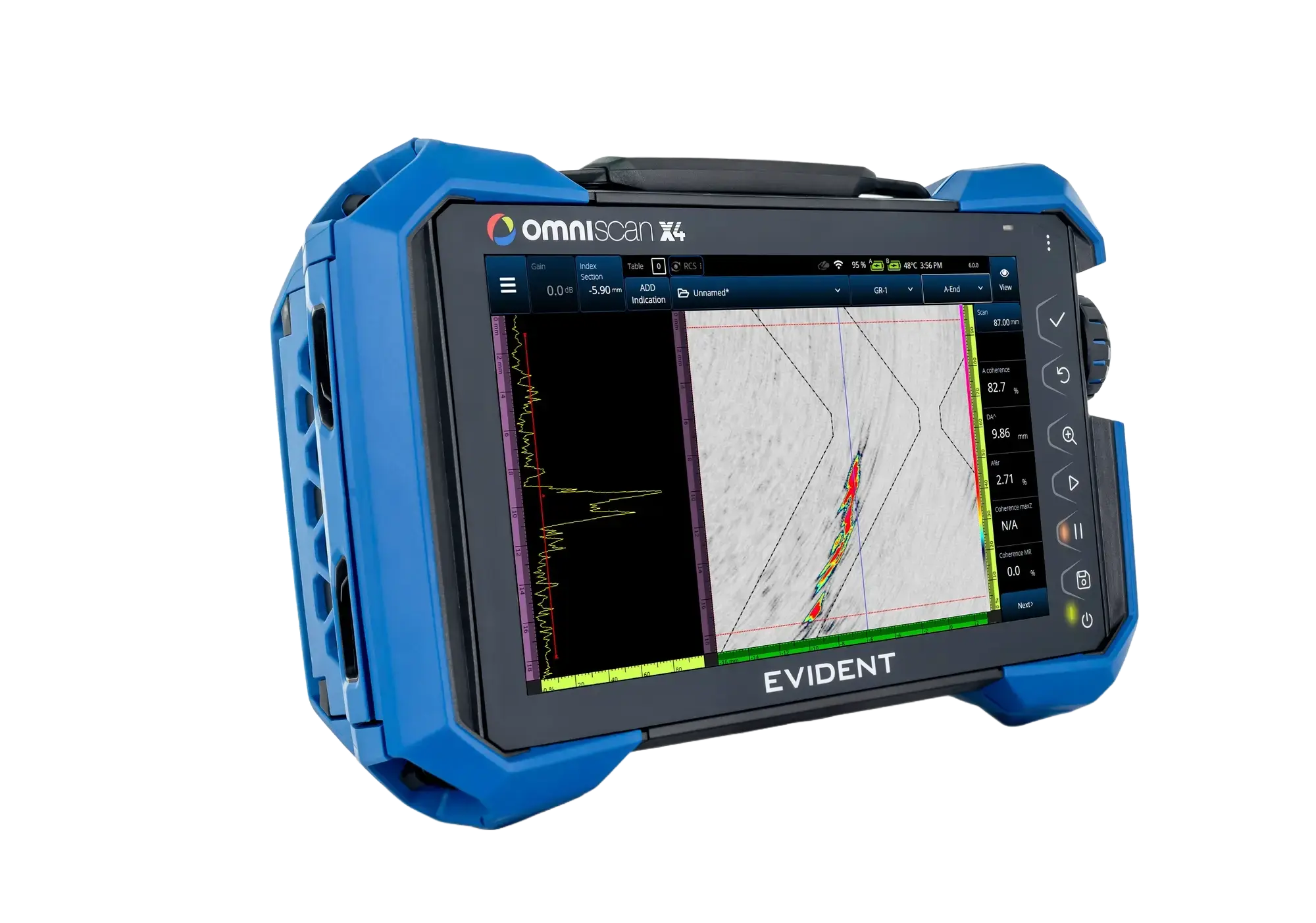
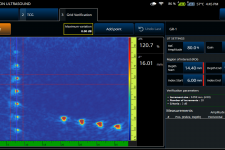
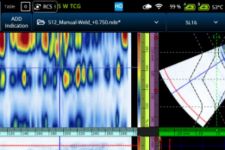
3x Faster TFM Acquisition RateObtain crisp TFM imaging at up to three times faster* acquisition rates than the predecessor model (X3 64) thanks to the OmniScan X4 series’ improved processing power. Exploit the increased speed, and 128-element capacity of the OmniScan X4 64:128PR and 128:128PR unit to perform TFM inspections with extended focusing capabilities. *Achieving this speed depends on the configuration and the use of sparse firing. Inquire for more details. | 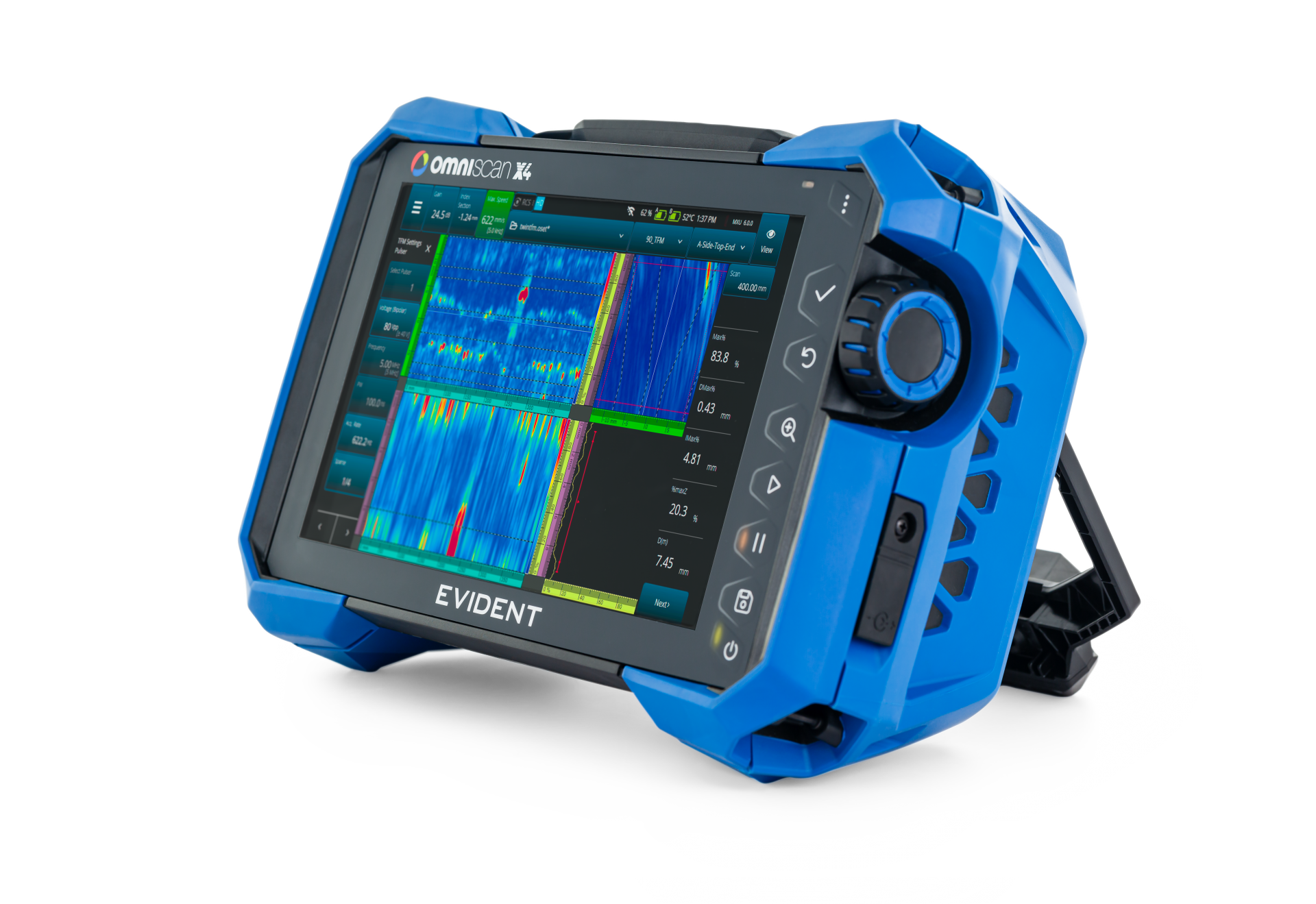 |
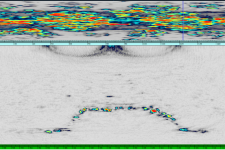
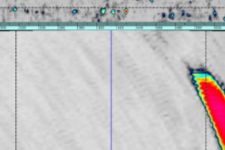
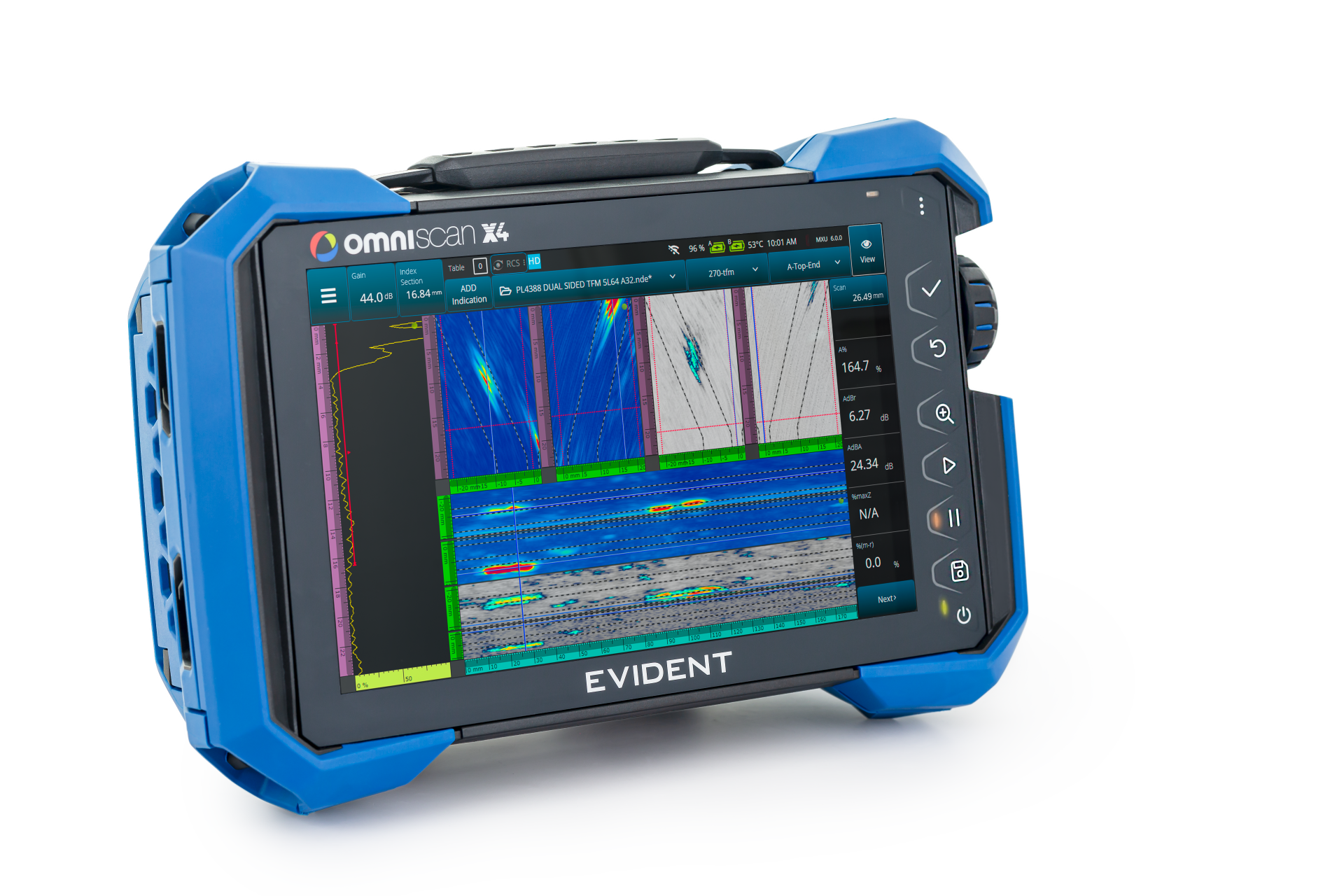 | Gain Instant Insights and Eliminate InefficencyTwice the Confidence with Twin TFM and PCIExploit the individual attributes of PCI and TFM to thoroughly investigate the volume of welds from both sides simultaneously. Use two probes to scan the weld in one pass, displaying TFM and PCI results to compare, measure, and confirm your characterization of indications with efficiency and precision. |
Engineered for Speed and SimplicityPerforming phased array, TOFD, TFM, and PCI is straightforward and intuitive on the OmniScan X4 series. Inspectors of any experience level can exploit these techniques with increased efficiency and more confidence utilizing the simple step-by-step scan plan and application presets. | |
 Convenient Application PresetsImprove the learning curve and increase the reliability and consistency of inspections between operators with the OmniScan X4 application presets. Even low-level users and new users can produce an optimal PA or PCI configuration within minutes. With options for corrosion and composite inspections, these preprogrammed parameters simplify scanning setups using HydroFORM™, FlexoFORM™, and RollerFORM™ scanners, and you can adjust the settings as needed. | 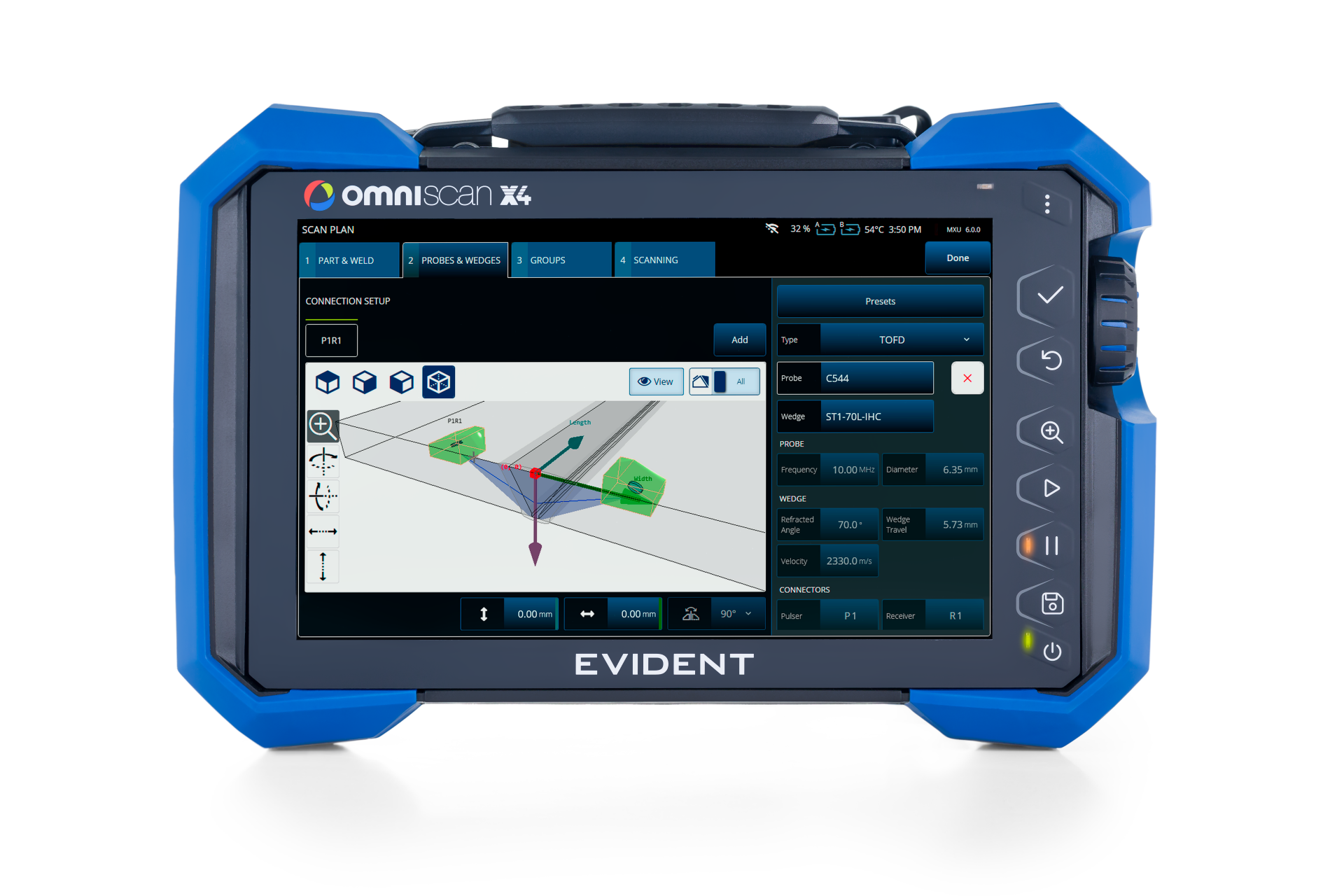 Ease Complex ConfigurationsThe OmniScan X4 scan plan’s intuitive step-by-step 3D graphics ease your inspection setups, from the most basic to the most complex. When setting up your raster scan plan, the scan axes can be customed named and you can create a datum reference point relative to the asset. These real-world references as well as the true orientation correction, greatly ease the creation of an intuitive schematic representation of the inspection data for your report. |
Applications
Choose the Right Model for Your ApplicationEach model of the OmniScan X4 series has the capability to drive probes with a certain number of elements, offering varying focusing capabilities for different materials and thicknesses. Here is an overview of the types of applications that the four models are most proficient at performing. Contact us or your Evident representative for more details. |  |
|
Complete NDT SolutionsTo meet your application needs, Evident offers complete solutions including probes and wedges, scanners, and software to complement your OmniScan X4 unit. Explore our range of equipment solutions for these applications. | ||
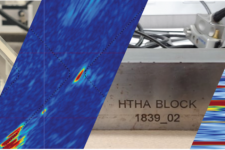
 HTHA Solutions | 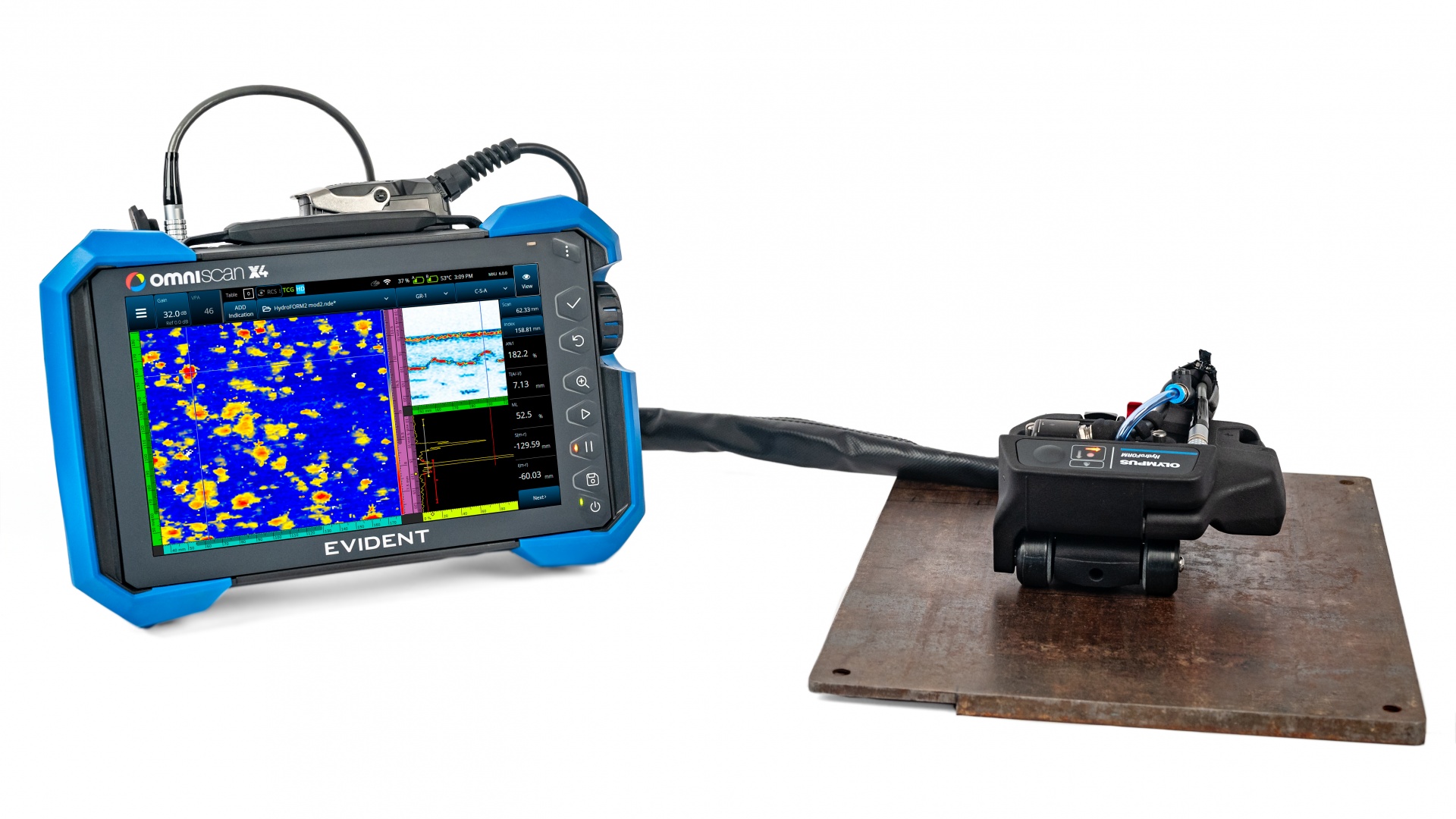 Corrosion Solutions |  Weld Solutions |
Onboard Software
Designed to Evolve | |
Unleash Your Inspection Potential with the Latest MXU UpdateEvery time you update your OmniScan X4 onboard software (MXU), you gain new features that expand your capabilities and facilitate your work, without having to reinvest. Our free quarterly updates of MXU enable you to stay on the cusp of technique and technology developments in the rapidly evolving NDT sector. | 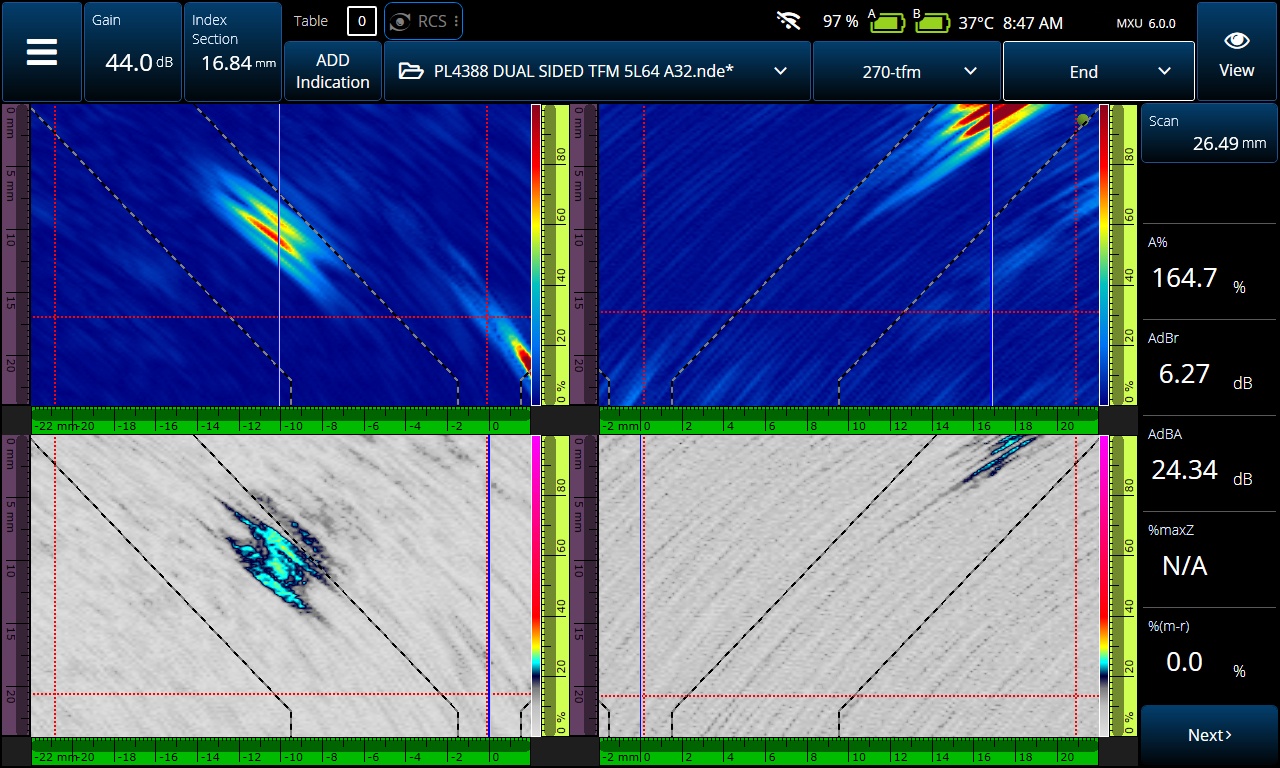 |
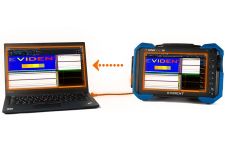
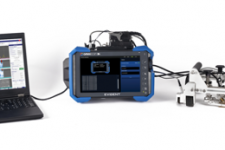
OmniScan Black Box AppStreamline Your ProcessInstalling the OmniScan Black Box app on your OmniScan X4 unit enables you to control it remotely using data acquisition software, including: Combining the advanced analysis tools of WeldSight or AeroView software with the portable battery-operated OmniScan X4 unit helps streamline your workflow and increase your productivity. To streamline your inspection process, download the latest version of the OmniScan Black Box app onto any OmniScan X4 unit with 128 receiving channels (models ending in :128PR). Downloading or updating the app is free. Download the OmniScan BlackBox Software You will also need to install our Configuration Tool on your PC to control the OmniScan X4 unit using either WeldSight or AeroView software. | 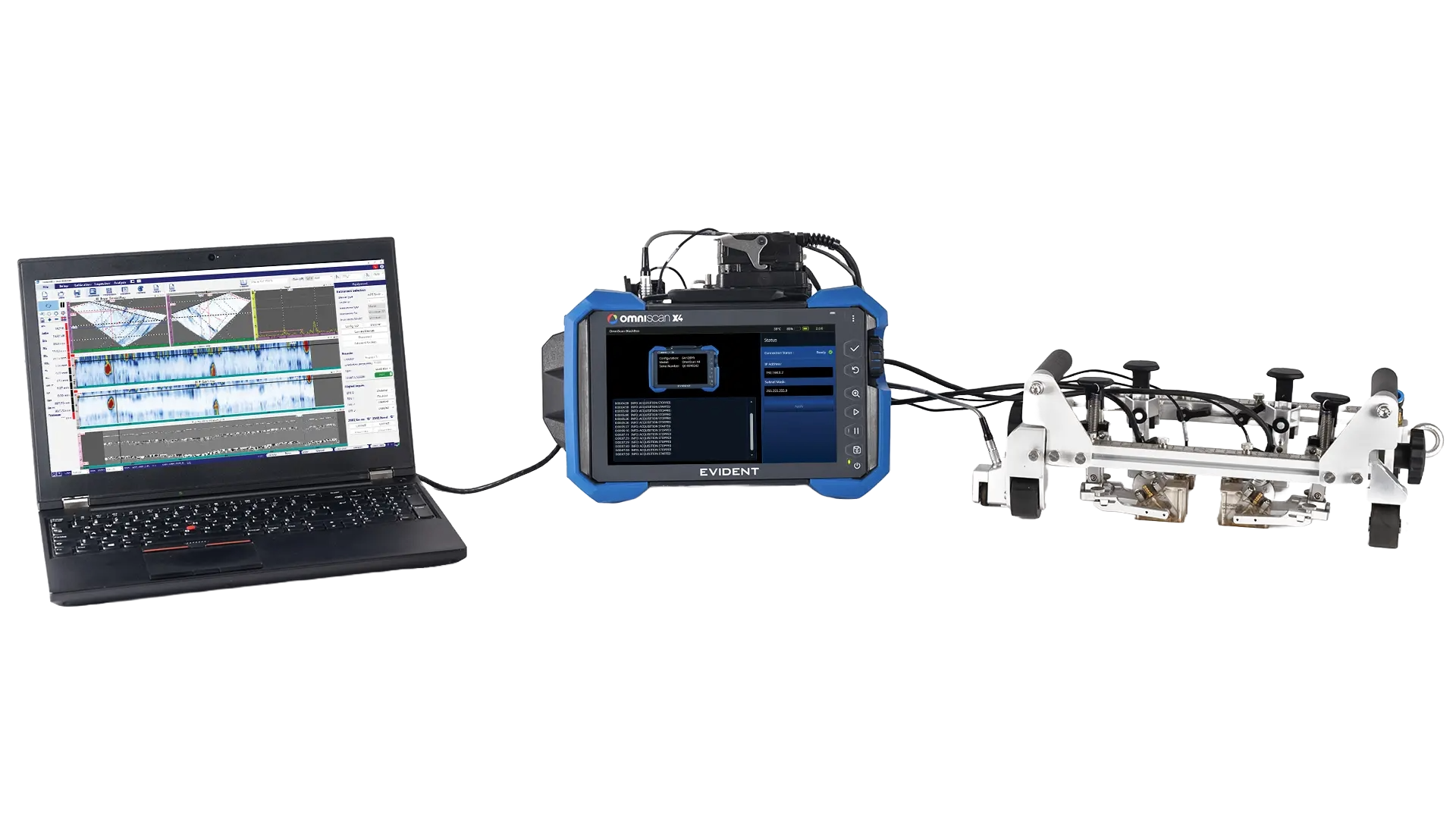 |
NDT Device Application Programming Interface (API)Communication between the software driving the OmniScan X4 unit and Black Box app uses the NDT Device API protocol developed by Evident. This is an open programming language that you can use to integrate an OmniScan X4 into your inspection ecosystem. To enquire about using the NDT Device API to implement a remote-controlled OmniScan X4 configuration, contact us or your Evident representative for details. |
Master Your FMC DataAre you interested in experimenting withFMC data to develop advanced andnovel applications? With the OmniScanX4 64:128PR modelor 128:128PR models driven by a computer* via theBlack Box app, you can acquire theelementary A-scans from your storedFMC data. Utilize this raw data toreconstruct TFM imaging or other imagereconstruction patterns. Contact us or your local sales representative for more details. *Note that your computer must be running a program capable of processing raw FMC data. |
OmniPC 6
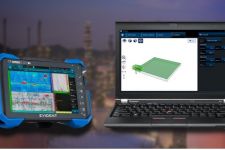
Our complimentary OmniScan companion data analysis software for PCs is designed to meet most basic phased array, TOFD, and TFM analysis needs. | 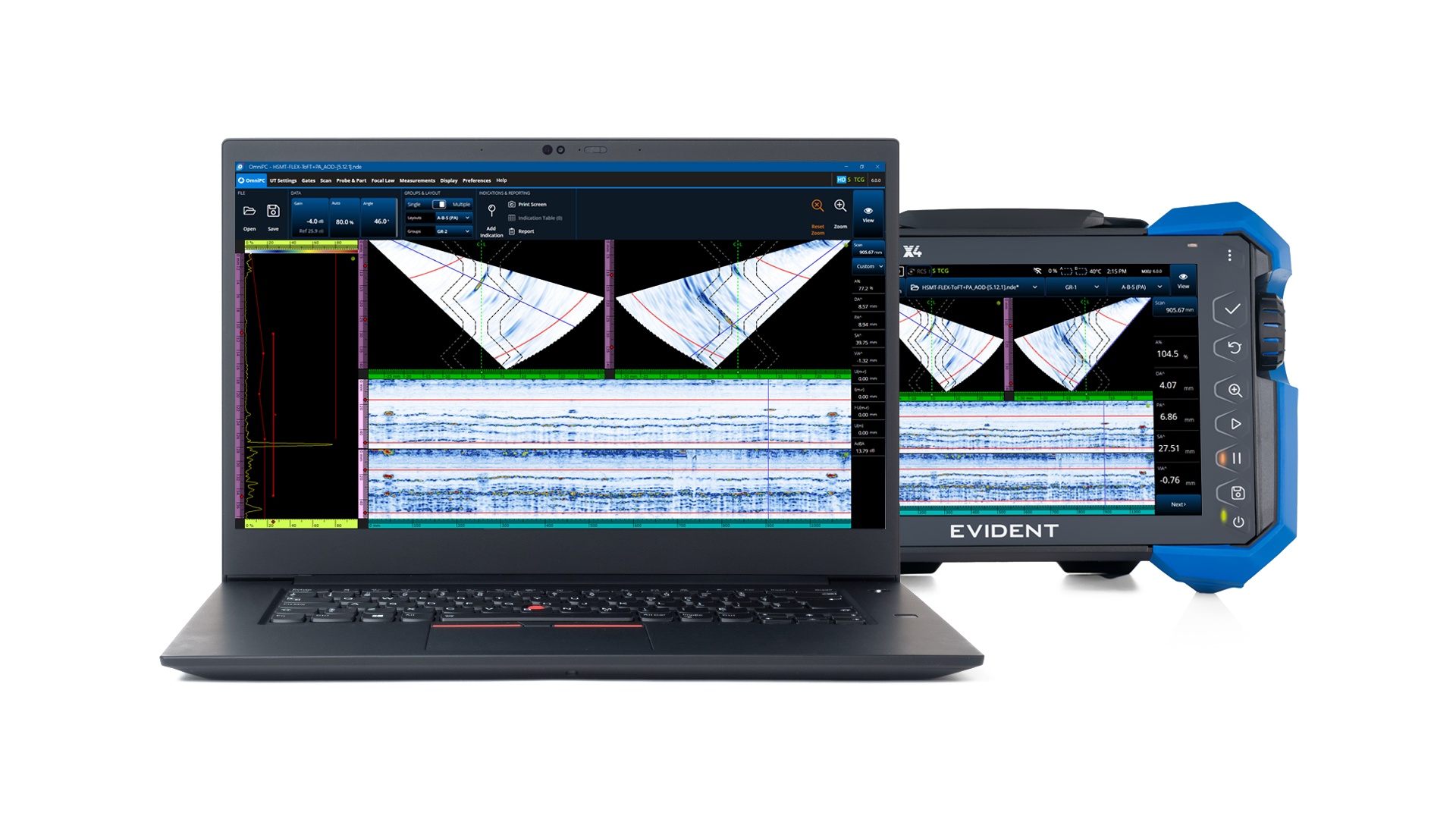 |
Key Advantages of OmniPC 6 SoftwareThe user-friendly and flexible features of OmniPC 6 include:
|
Compatible Software for Setup and AnalysisLeverage our range of compatible PC software to ease your inspection workflow, optimize your data analysis, and facilitate code-compliant reports. | ||
| ScanPlan Software Using all the familiar tools offered in the OmniScan X4 unit, build your scan plan on a PC and manage your inspections with more flexibility and efficiency. | WeldSight™ Software Perform advanced analyses of OmniScan X4 weld inspection data. Use the WeldSight Remote Connect app to remotely control phased array inspections via your WeldSight PC. | AeroView Software AeroView software is optimized with customized layouts and tools to ease compliant aerospace and aviation data analyses. Use the OmniScan X4 Black Box app to remotely control phased array inspection via your AeroView Inspection PC. |
Flexible Tools to Ease Your PAUT and TOFD Data AnalysisCorrect Oversights Made during AcquisitionOmniPC software’s Skew, Scan Offset, and Index Offset can be changed during post-inspection analysis to improve data accuracy and avoid reacquisition. Adjustable Gates and Dynamic ReadingsGates A, B, and I are available with various lists of readings (for corrosion inspections). Replay the AcquisitionAt any time, adjust the Gain, apply the Auto 80%, and slide the Data cursors.
| ||||||||||
Specifications
Specifications are listed for all models unless stated otherwise | ||||||||||||||||||||||||||||||||||||||||||||
General and Enclosure
| ||||||||||||||||||||||||||||||||||||||||||||
Inputs and Outputs
| ||||||||||||||||||||||||||||||||||||||||||||
General Ultrasonic Specifications
| ||||||||||||||||||||||||||||||||||||||||||||
Acoustic Specifications
| ||||||||||||||||||||||||||||||||||||||||||||
PAUT Specifications
| ||||||||||||||||||||||||||||||||||||||||||||
FMC / TFM / PCI / PWI Specifications
| ||||||||||||||||||||||||||||||||||||||||||||
Resources
Blog |