




- Overview
- PRECiV Capture
- PRECiV Core
- PRECiV Pro
- PRECiV DSX
- PRECiV ADM
- PRECiV Desktop
- Specifications
- Resources
Overview
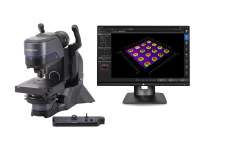
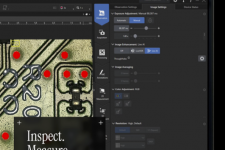
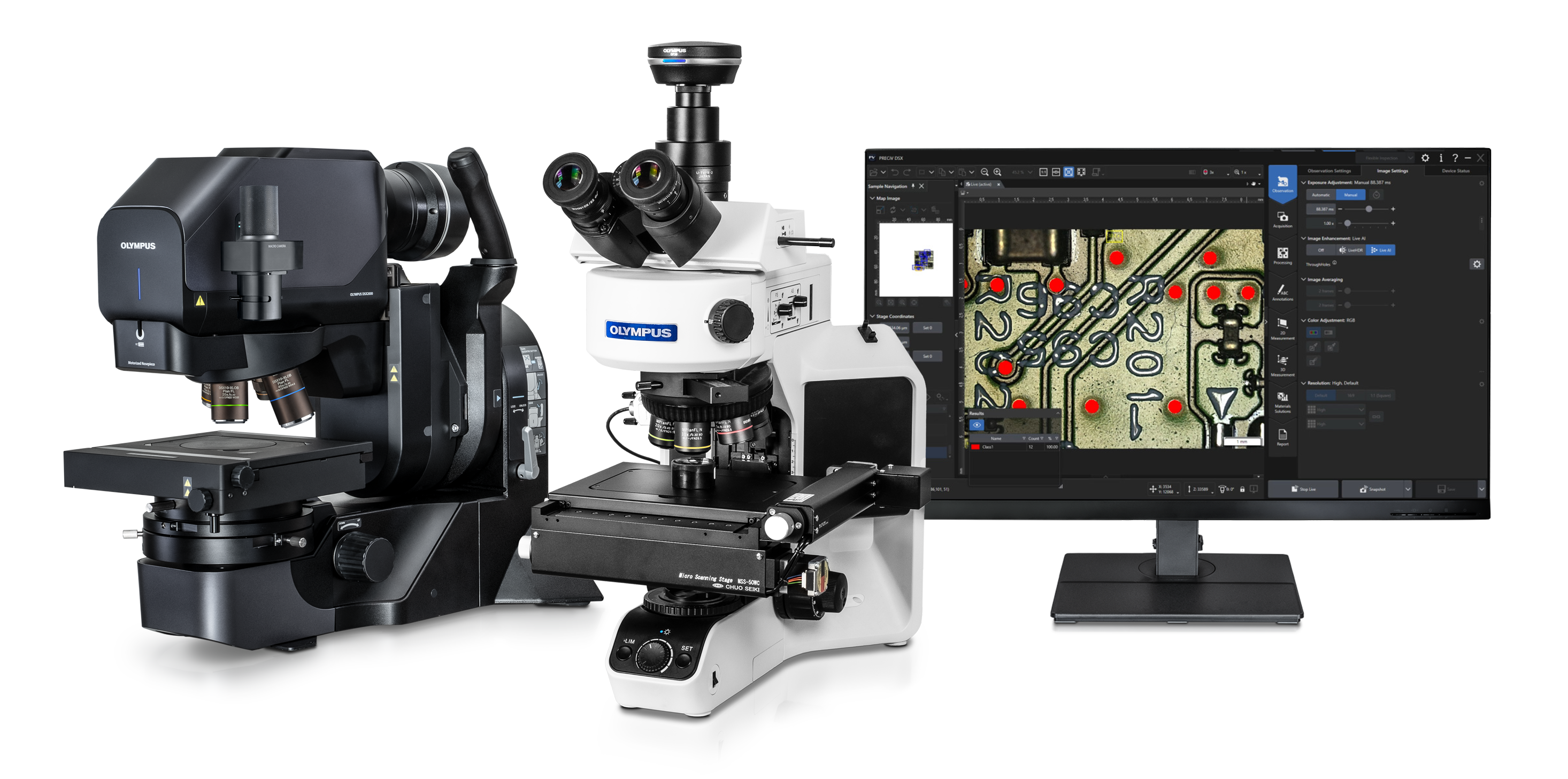
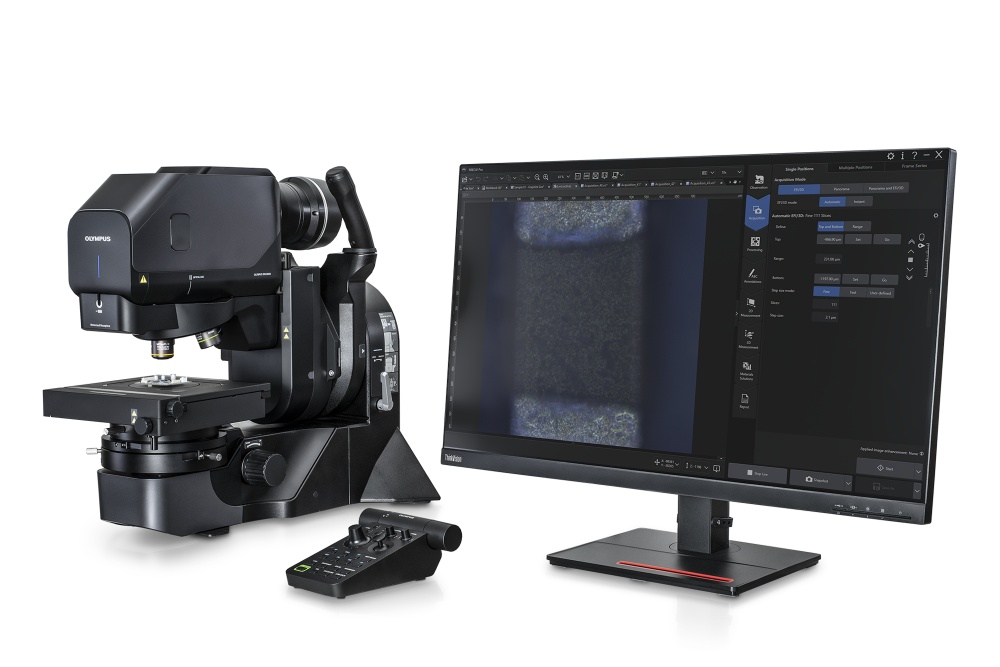
PRECiV Imaging Microscopy PlatformInspect. Measure. Analyze.Easily perform repetitive 2D/3D measurements and advanced image analysis during production, quality control, and inspection operations.
| ![]() |
Scalable Solutions for Evolving NeedsPRECiV software is a unified, intelligent platform for controlling Evident’s full range of digital and conventional microscopes. Its modular design supports both system types and enables each department to choose the right software level, optimizing performance, efficiency, and investment. Take advantage of the software’s powerful capabilities for automated optical inspection, AI-enhanced image analysis, and advanced 3D measurement. Custom solutions are also available to expand PRECiV software’s functionality to meet your unique needs.
| |||||||||||||
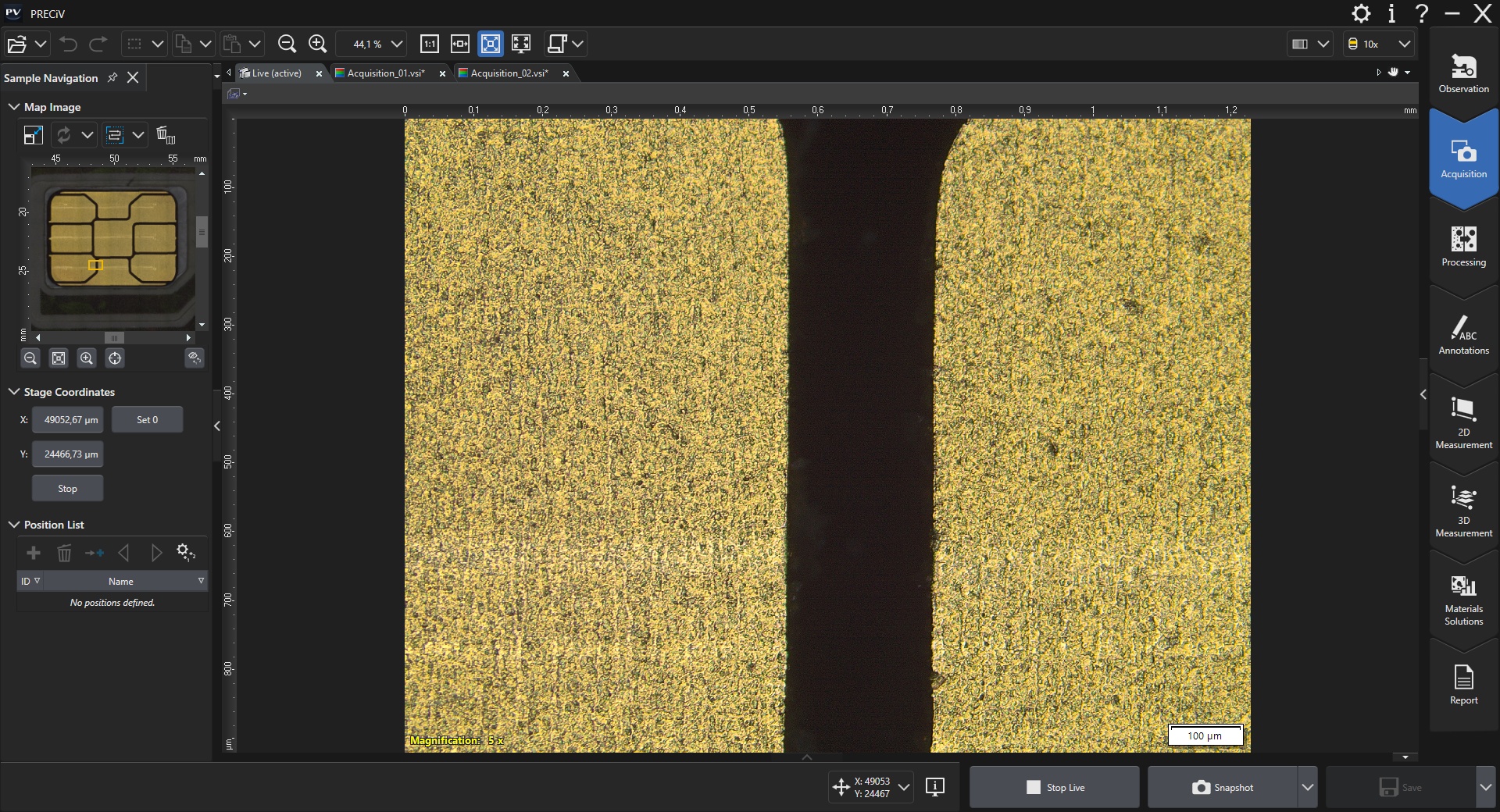
Intuitive Software Expands Your Microscope’s CapabilitiesThe easy-to-use user interface enables you to take advantage of the software’s powerful tools with minimal training.
|
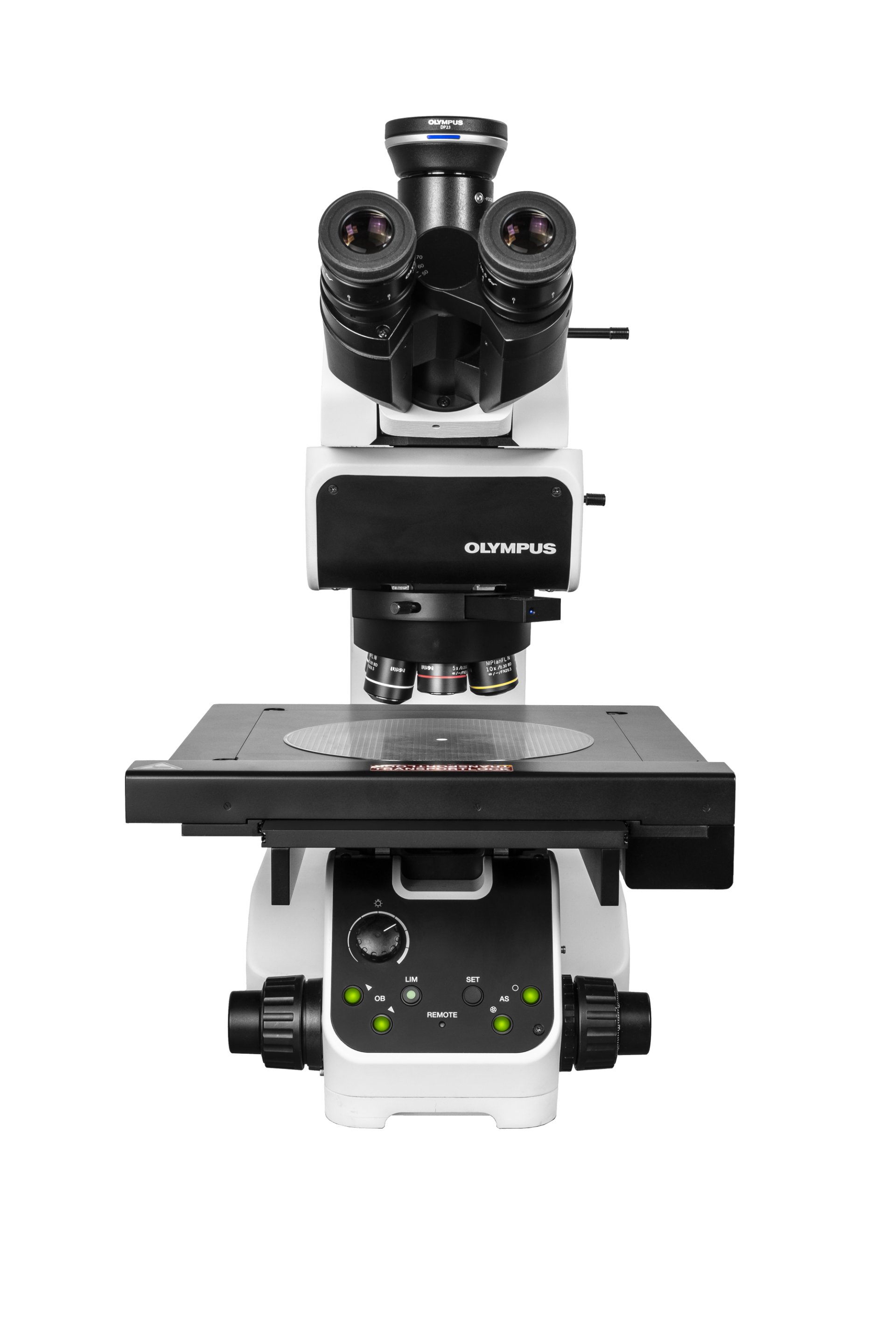
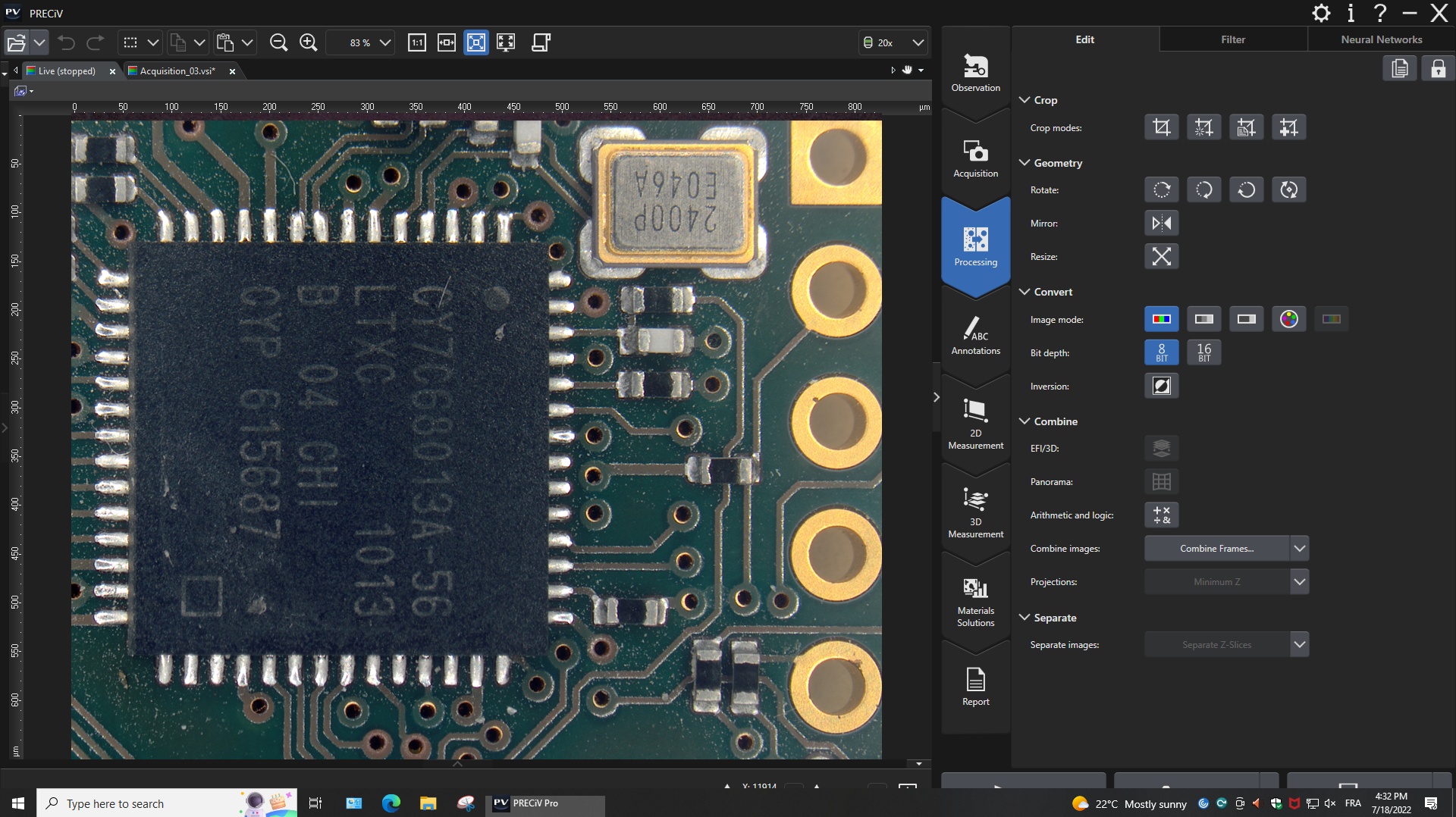
Versatile Software to Control Your Microscope and Analyze ImagesPRECiV software is a comprehensive imaging and measurement solution for your microscopy lab. Instead of switching between one software program to control your microscope or its motorized components and one for image analysis, PRECiV enables you to seamlessly do both using the same software. PRECiV software can control all our digital and conventional industrial microscopes, their coded functions, our motorized nosepieces, and our digital microscope cameras via the same interface.
|
Repetitive 2D/3D Measurements and AnalysisPRECiV software enables users in production, quality control, and inspection to make precise, repetitive 2D/3D measurements and complex image analysis to obtain results that comply with the latest industrial standards.
|
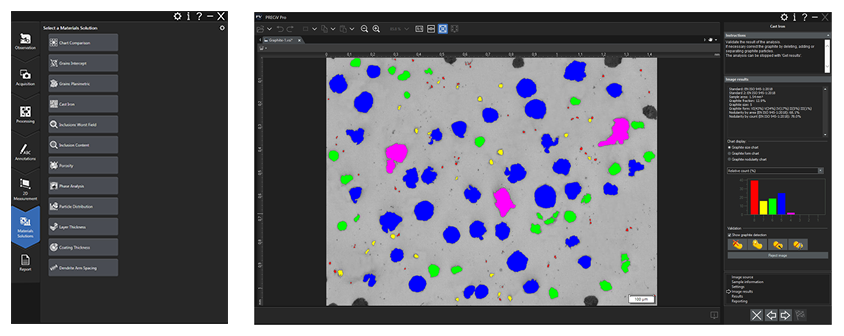
PRECiV Optional Modules—Customize the Software to Your NeedsPRECiV optional modules integrate directly into the software, enabling you to customize it with measurement and analysis solutions tailored to your application and needs, such as metallography and motorization.
|
5 Advantages of PRECiV Over Conventional Imaging Platforms
|
PRECiV Capture
PRECiV™ CaptureEntry-Level Package with Core FeaturesPRECiV™ Capture is our entry-level package for customers who want to acquire digital images and make basic 2D measurements, transforming their existing microscopes into digital workstations for applications like incoming goods inspection. | ![]() |
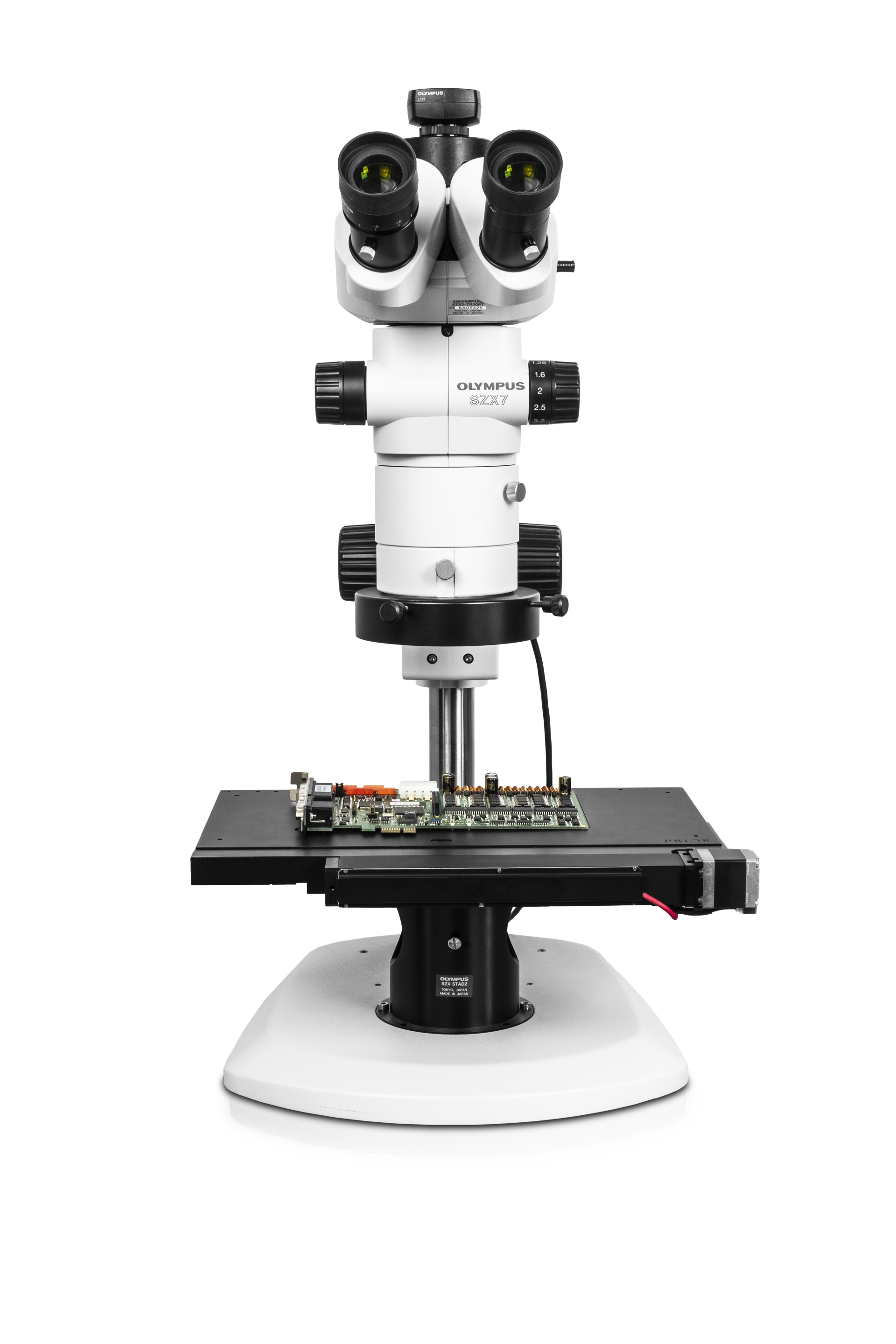
Designed for Conventional MicroscopyPRECiV Capture is used with our manual and semi-motorized microscope systems and microscope cameras as well as accessories that enable a range of imaging conditions, including brightfield, darkfield, polarization, and anti-halation. When you install PRECiV Capture all the necessary drivers are also installed, making it easy to change which products you’re using. Supported Microscope FramesPRECiV Capture supports:
Integrated Camera Control
| ||||||||||||||||||||||||||||||||||||||||||||||||||||||||||||||||||||||||||||||||||||||||||||||||||||||||||||||||||||||||||||||||||||||||||||||||||||||||||||
Reveal More with Infrared (IR)Infrared (IR) imaging is a fundamental tool for quality control and R&D. IR mode enables nondestructive inspection through silicon layers of packaged products during the back-end stage of fabrication. PRECiV Capture supports:
|
|
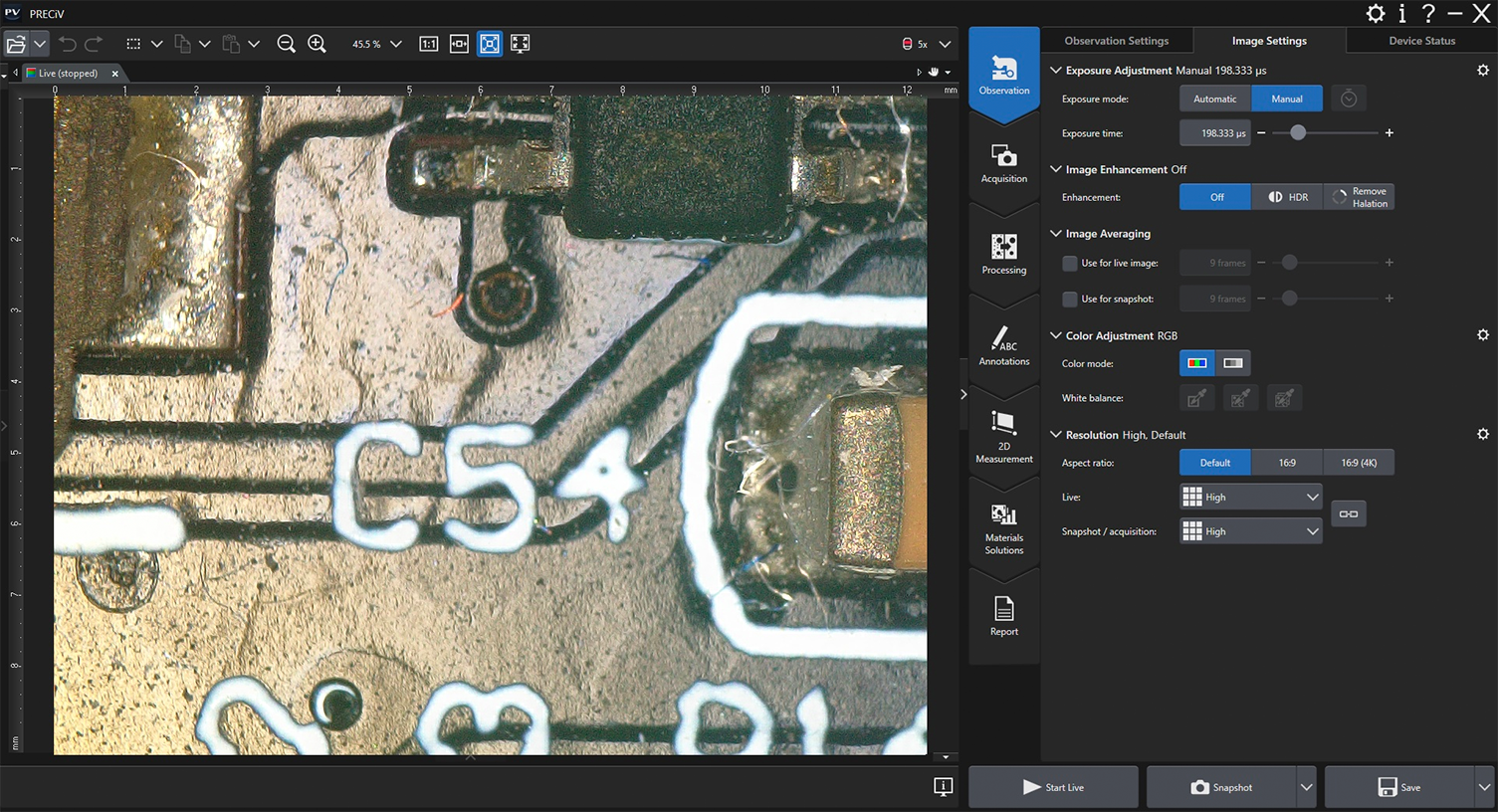
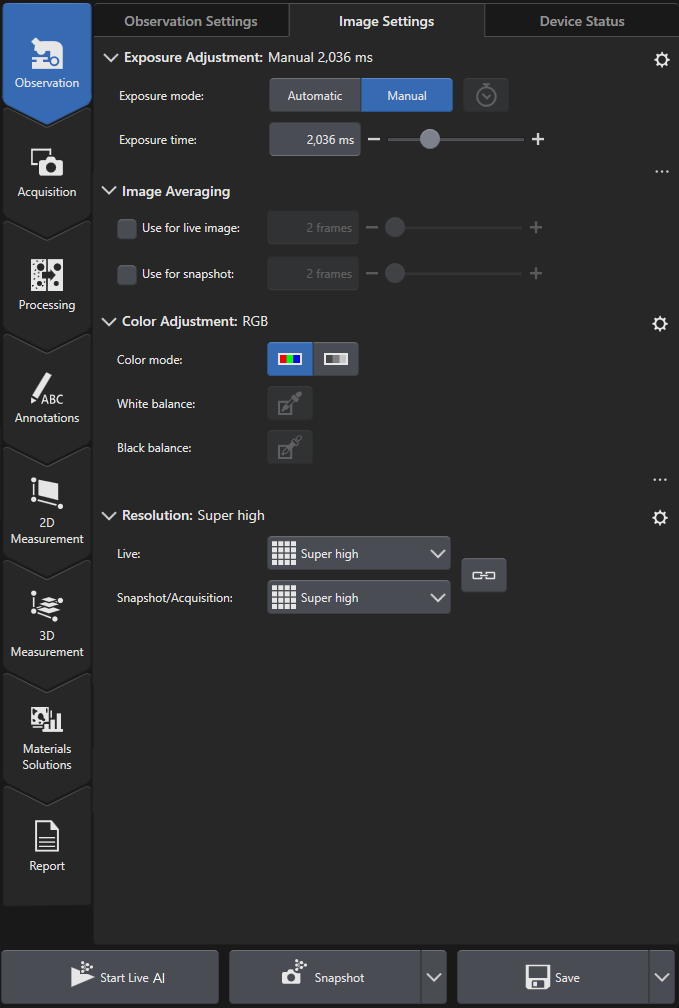
| Real-Time Image AcquisitionAll PRECiV packages come with digital live processing technology that enable you to, for example, zoom in on a live image to proof details or make interactive measurements. Acquiring high-quality images is easy as the software’s automatic exposure control, live histogram display, and over-exposure indicator helps ensure that the entire dynamic range of the camera is used while minimizing blooming or glare artifacts. The focus indicator enables you to select a region of interest and bring it into focus. The digital zoom—operated with the mouse wheel—enables you to quickly check the live image window to be sure the camera has captured the desired details—all before you actually acquire and save the image. As a result, images are produced with maximum fidelity and reproducibility, independent of the user. |
|---|
Live Image FunctionsPRECiV Capture software’s live image functions, like live overlay and live zoom, enable you to interact with the automatically calibrated live image and perform various annotations. |
Powerful Imaging ToolsDuring live observation or post-acquisition image analysis, PRECiV Capture offers several image-enhancing tools that advance your inspection capabilities and increase your probability of detection. PRECV Capture supports:
Robust color rendering and resolution provide the high-quality images required for industrial applications. PRECiV Capture also has convenient tools that enable you to optimize the live image, including live high dynamic range (HDR), anti-glare, a digital reticle, and a focus aid. | |
|---|---|
Enhanced ContrastHigh dynamic range (HDR) imaging improves contrast in difficult conditions (very bright areas and very dark areas in the same image). All cameras supported by PRECiV software can be used in this mode, and dedicated cameras have an available live mode. |
Basic MeasurementsPRECiV Capture software enables precise, repetitive two-dimensional interactive measurements on a live or recorded image through a combination of a simple user interface and powerful functions. Supported measurements include distance, angles, rectangles, circles, ellipses, polygons, circle-to-circle distance, angle ruler, and line ruler. Measurement results can be easily compiled in a workbook. |
PRECiV Core
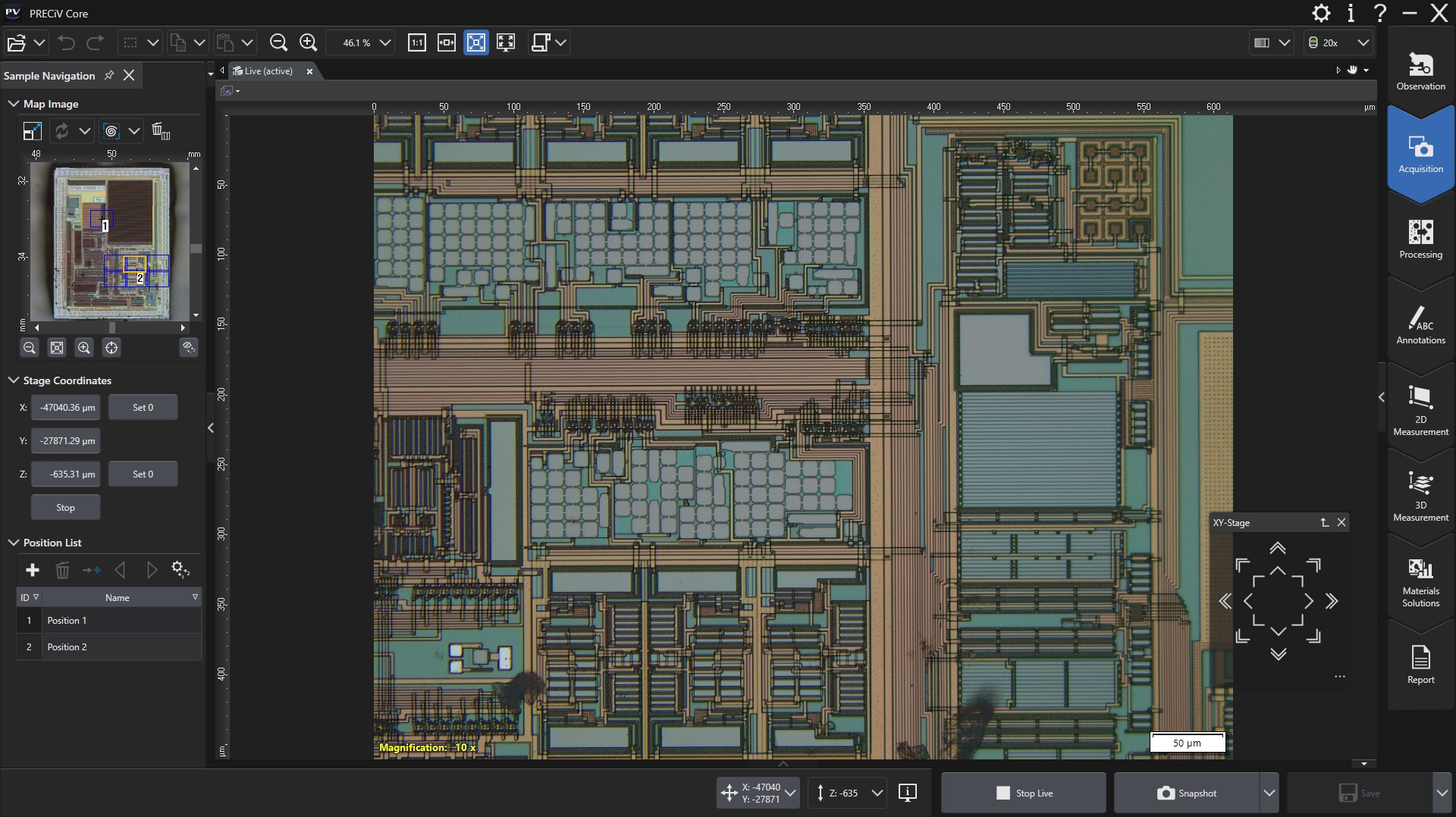
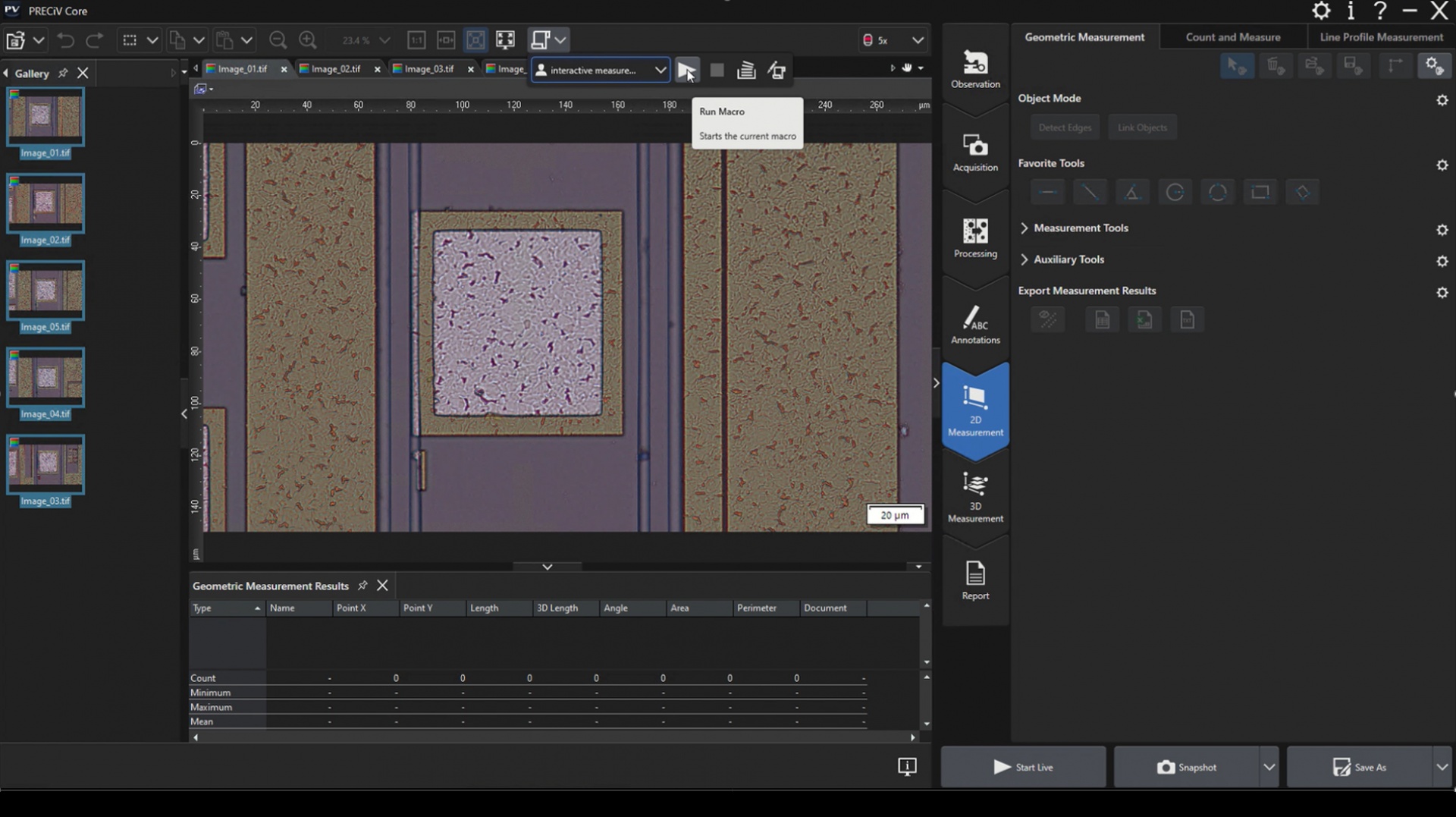
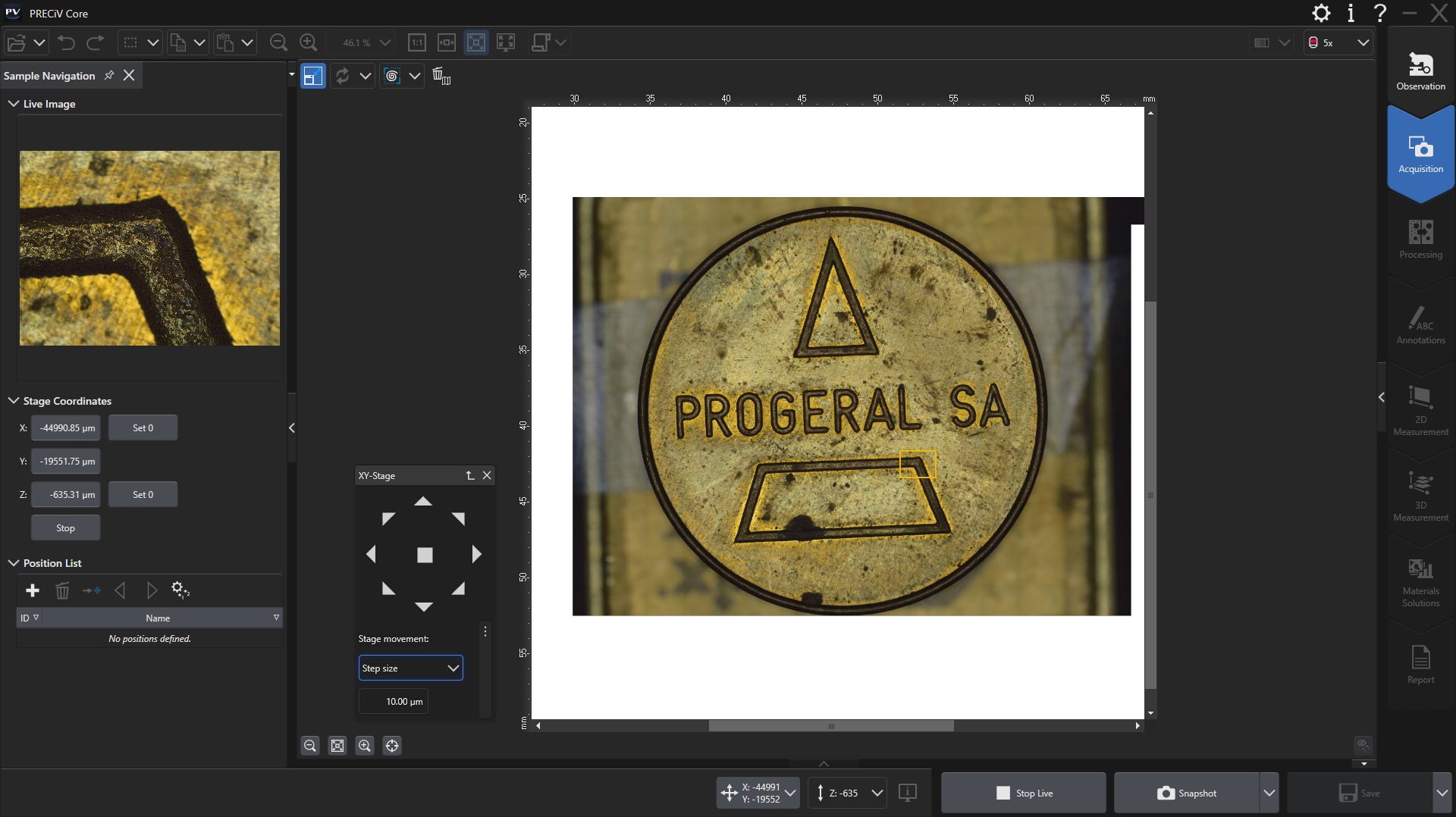
PRECiV™ CoreFocused on Image QualityPRECiV™ Core is ideal for customers in QA labs and inspection rooms with a strong focus on images. PRECiV Core balances cost and features, adding extended focus images and measurement export capabilities for an excellent value. | ![]() |
Designed for Conventional MicroscopyPRECiV Core works with our manual and semi-motorized microscope systems, microscope cameras, and accessories that enable a range of imaging conditions, including brightfield, darkfield, polarization, and anti-halation. When you install PRECiV Core and any optional modules, all the necessary drivers are also installed, making it easy to change which products you’re using. Supported Microscope FramesPRECiV Core supports:
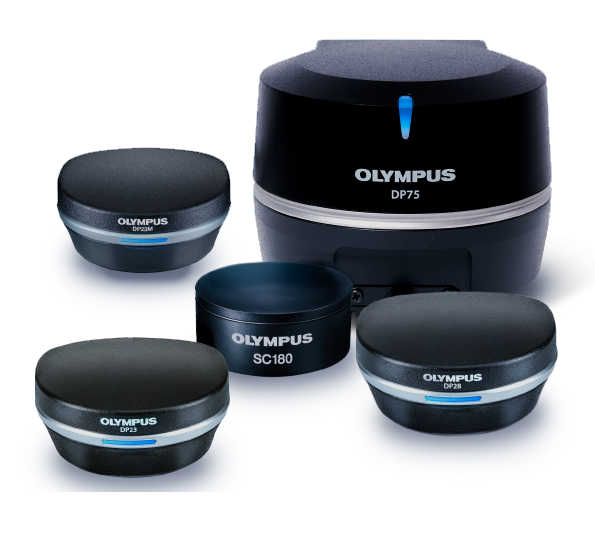
Supported Cameras
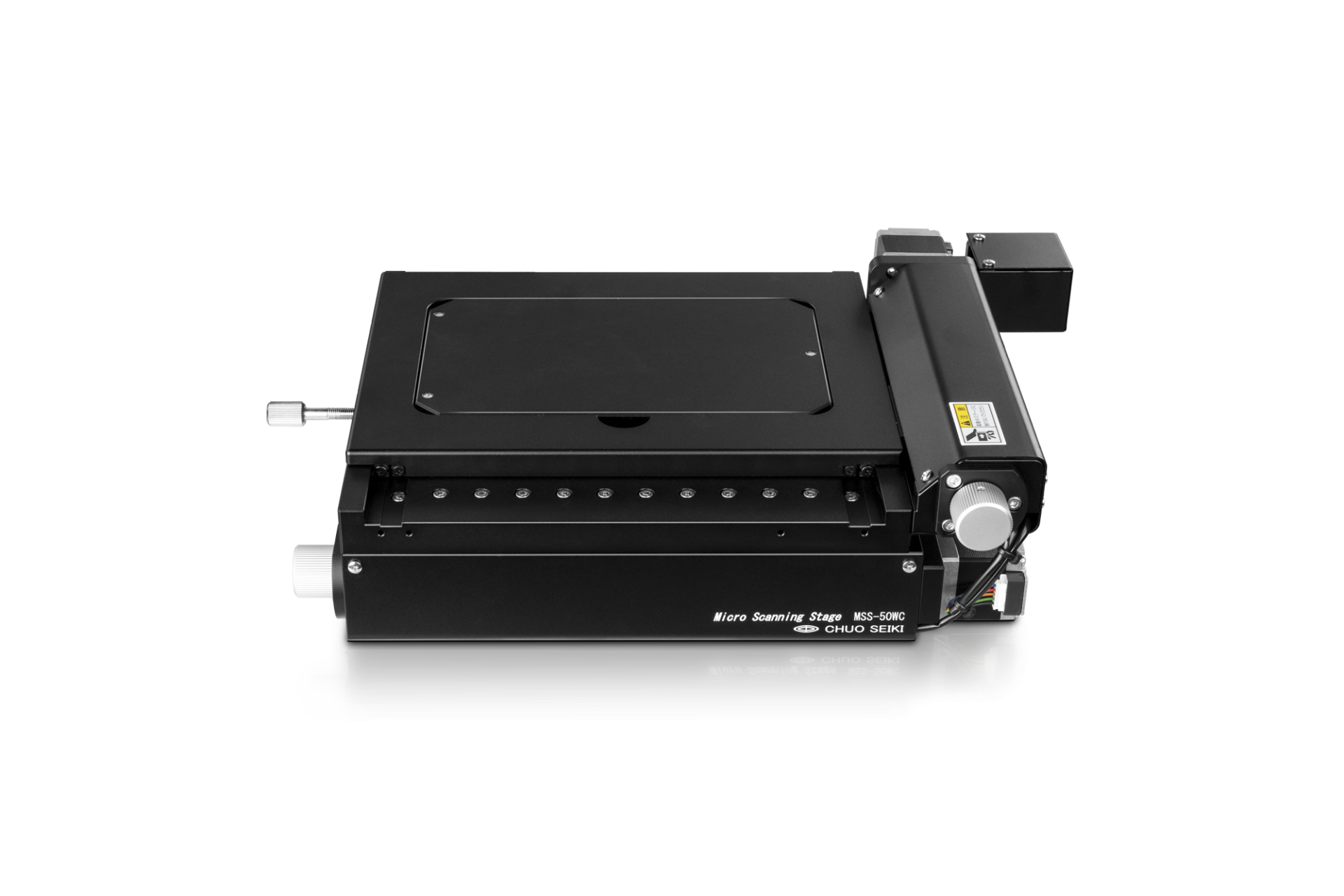
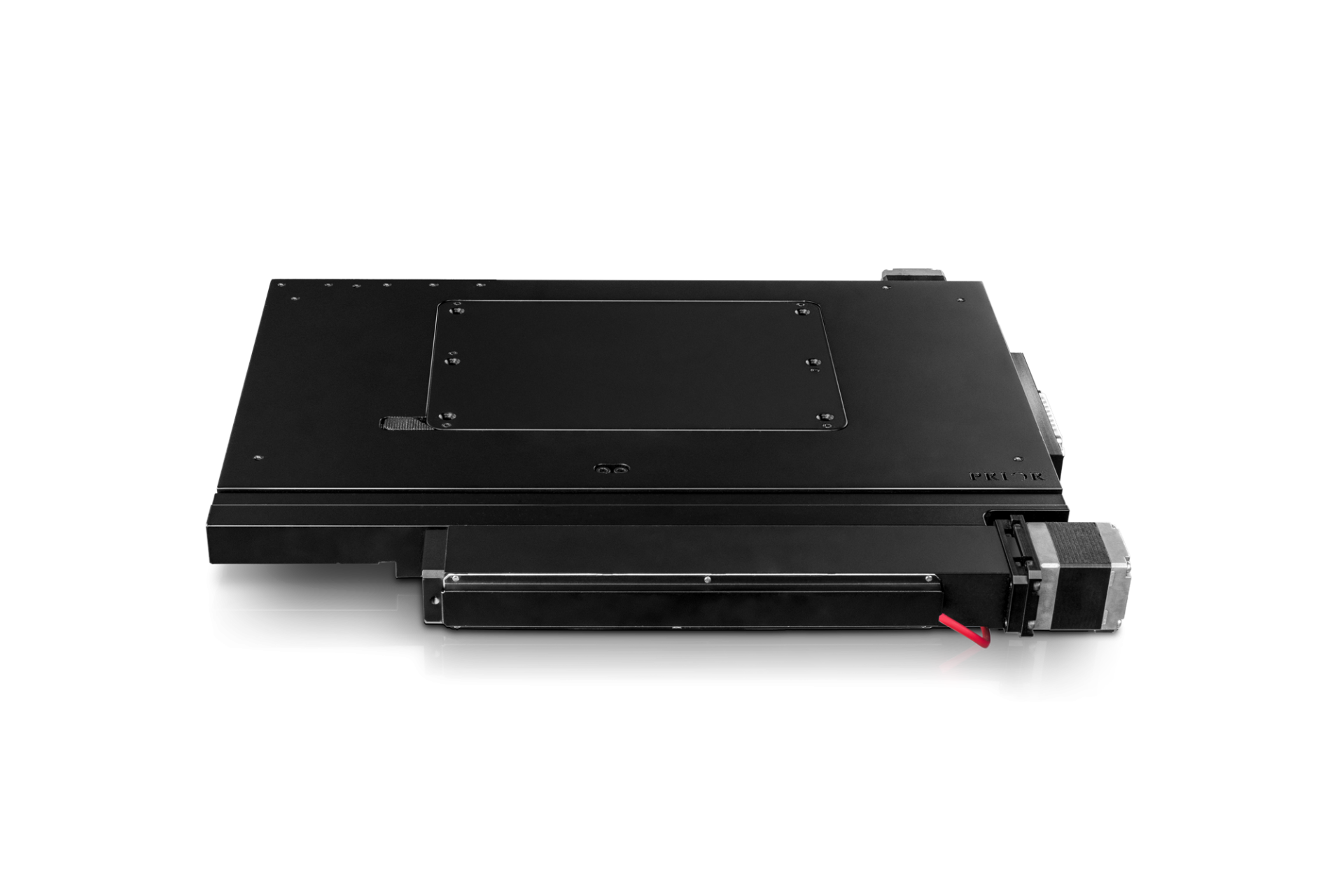
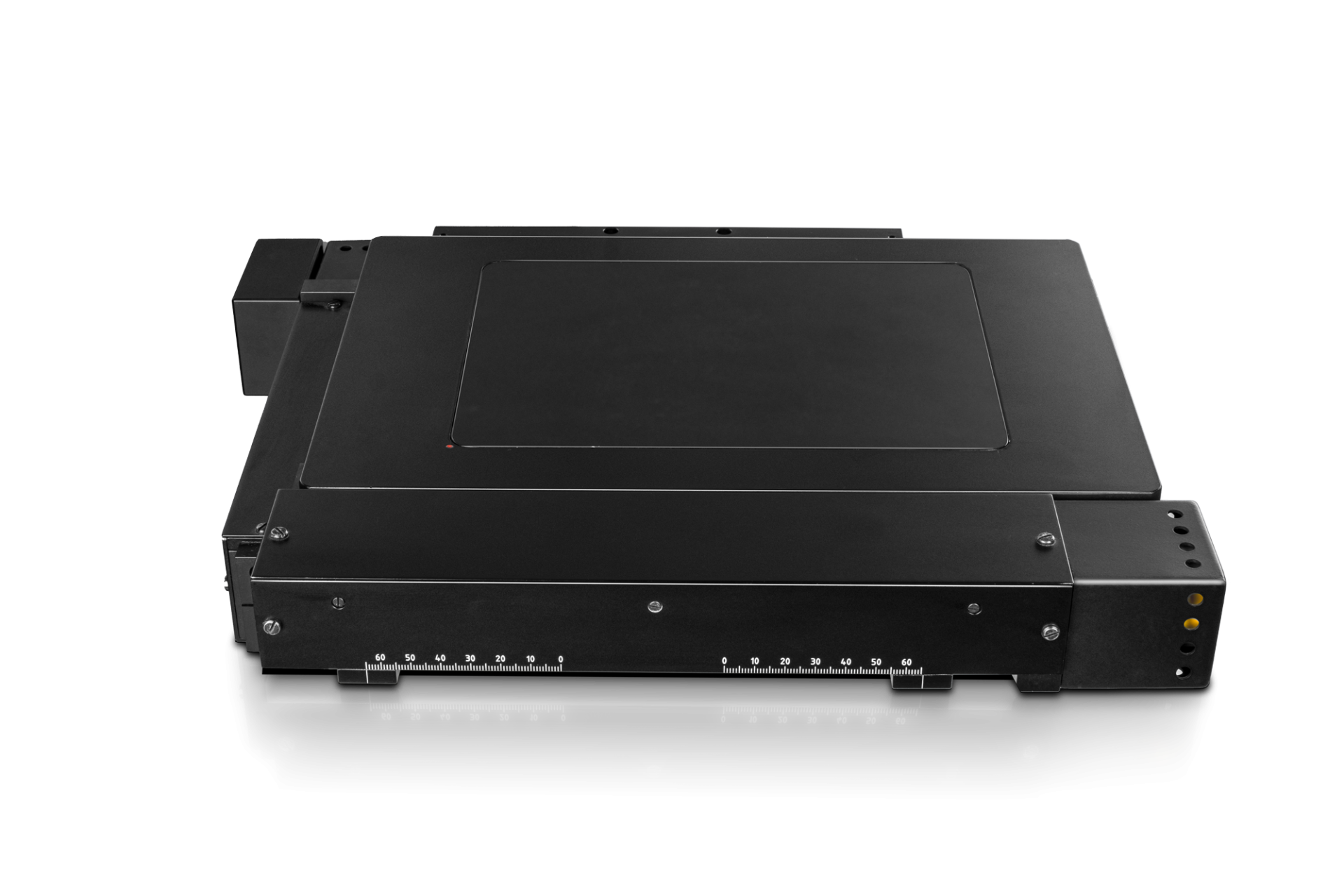
Supported Motorized Stages
*Virtual COM port (driver needs to be installed, supplied on the PRECiV setup disk) Customized Software Solutions for X, Y, Z Motorized StagesSpecially developed customized software solutions expand the X, Y, Z motorization.
| |||||||||||||||||||||||||||||||||||||||||||||||||||||||||||||||||||||||||||||||||||||||||||||||||||||||||||||||||||||||||||||||||||||||||||||||||||||||||||||||||||||||||||||||||||||||||||||||||
| Real-Time Image AcquisitionAcquiring high-quality images is easy as the software’s automatic exposure control, live histogram display, and the over-exposure indicator helps ensure that the entire dynamic range of the camera is used while minimizing blooming or glare artifacts. The focus indicator enables you to select a region of interest and bring it into focus. The digital zoom—operated with the mouse wheel—enables you to quickly check the live image window to be sure the camera has captured the desired details—all before you actually acquire and save the image. As a result, images are produced with maximum fidelity and reproducibility, independent of the user. |
|---|
Powerful Imaging ToolsDuring live observation or post-acquisition image analysis, PRECiV Core offers several image-enhancing tools that advance your inspection capabilities and increase your probability of detection. PRECiV Core supports:
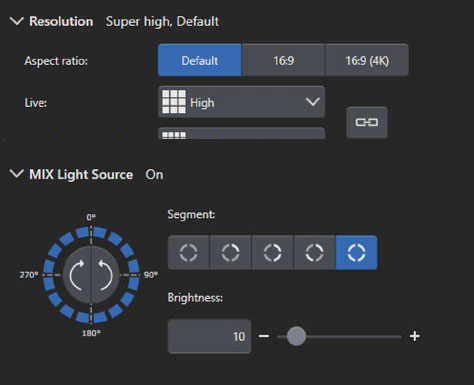
All imaging filters can also be applied on 4K and larger images. Robust color rendering and resolution provide the high-quality images required for industrial applications. PRECiV Core also has convenient tools that enable you to optimize the live image, including live high dynamic range (HDR), anti-glare, a digital reticle, and a focus aid. Enhanced ContrastHigh dynamic range (HDR) imaging improves contrast in difficult conditions (very bright areas and very dark areas in the same image). All cameras supported by PRECiV software can be used in this mode, and dedicated cameras have an available live mode. MIX ObservationPRECiV Core supports MIX observation. This technique combines directional darkfield illumination, which uses a circular LED to illuminate one or more quadrants at a given time, and brightfield illumination, fluorescence, or polarization, enabling users to highlight defects and differentiate raised surfaces from depressions that are normally difficult to see with conventional microscopes. MIX observation helps reduce a sample’s halation and is useful for visualizing a sample’s surface texture.
|
Keep Everything in Focus with Manual and Instant EFI ModesWhen analyzing thick samples, PRECiV Core features instant extended focus |
Basic MeasurementsPRECiV Core software enables precise, repetitive two-dimensional interactive measurements on a live or recorded image through a combination of a simple user interface and powerful functions. Supported measurements include distance, angles, rectangles, circles, ellipses, polygons, circle-to-circle distance, angle ruler, and line ruler. Measurement results can be easily compiled in a workbook and exported to Microsoft Excel. |
|---|
Automate Repetitive Tasks with MacrosMacros (succession of simple operations) can be recorded and applied on single images or on series of multiple images automatically. Use the macro recorder to record and play macros easily. |
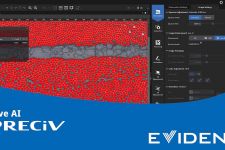
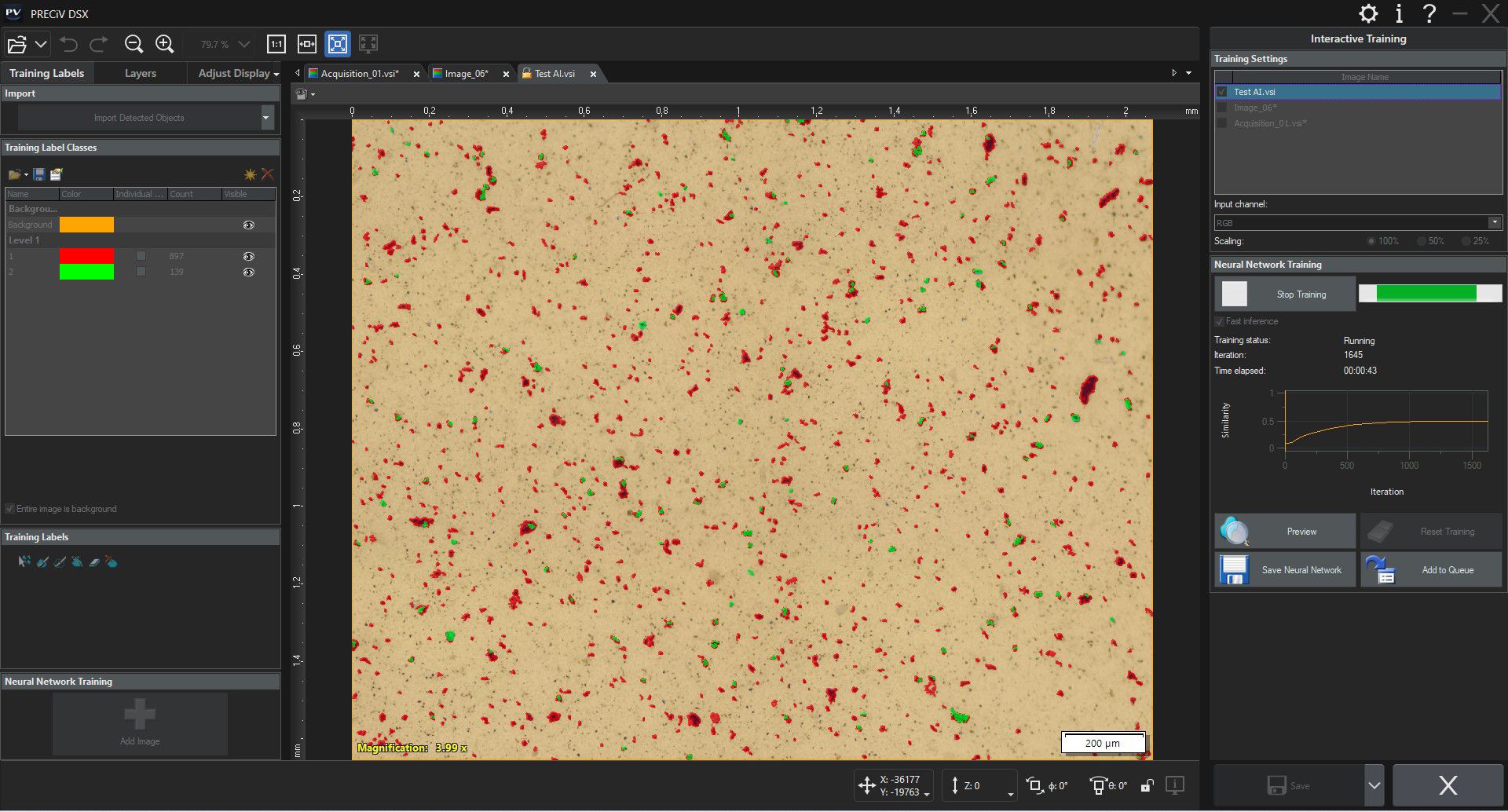
Enhance your Microscopy Experience Using AIPRECiV software with TruAI deep-learning technology offers image analysis beyond classical algorithms. You can apply a trained neural network to your samples for higher reproducibility and more robust analysis. Choose between semantic or instance segmentation methods for improved neural network training, enabling you to tackle difficult applications in just one step. Live AILive AI* is a powerful tool for everyday use. It displays detected features directly on the live image using an overlay. This lets you easily screen the sample for any wanted or unwanted blobs without altering the image itself. Live AI can also be used to improve the image quality, such as removing unwanted scratches, for enhanced analysis. As an option, PRECiV TruAI technology can also count the defects it identifies on the live image as well.** * Using the optional neural network training module. |
|---|
Neural Network Integration (AI)PRECiV software’s AI can be used on a PC even when it is offline.* The training is performed on the supplied dataset, and the resulting quality of the AI analysis depends on the images provided for the training.
*PRECiV AI technology does not use generative AI. PRECiV AI is independent from the network and can be used on a PC that is disconnected. |
|
PRECiV Pro
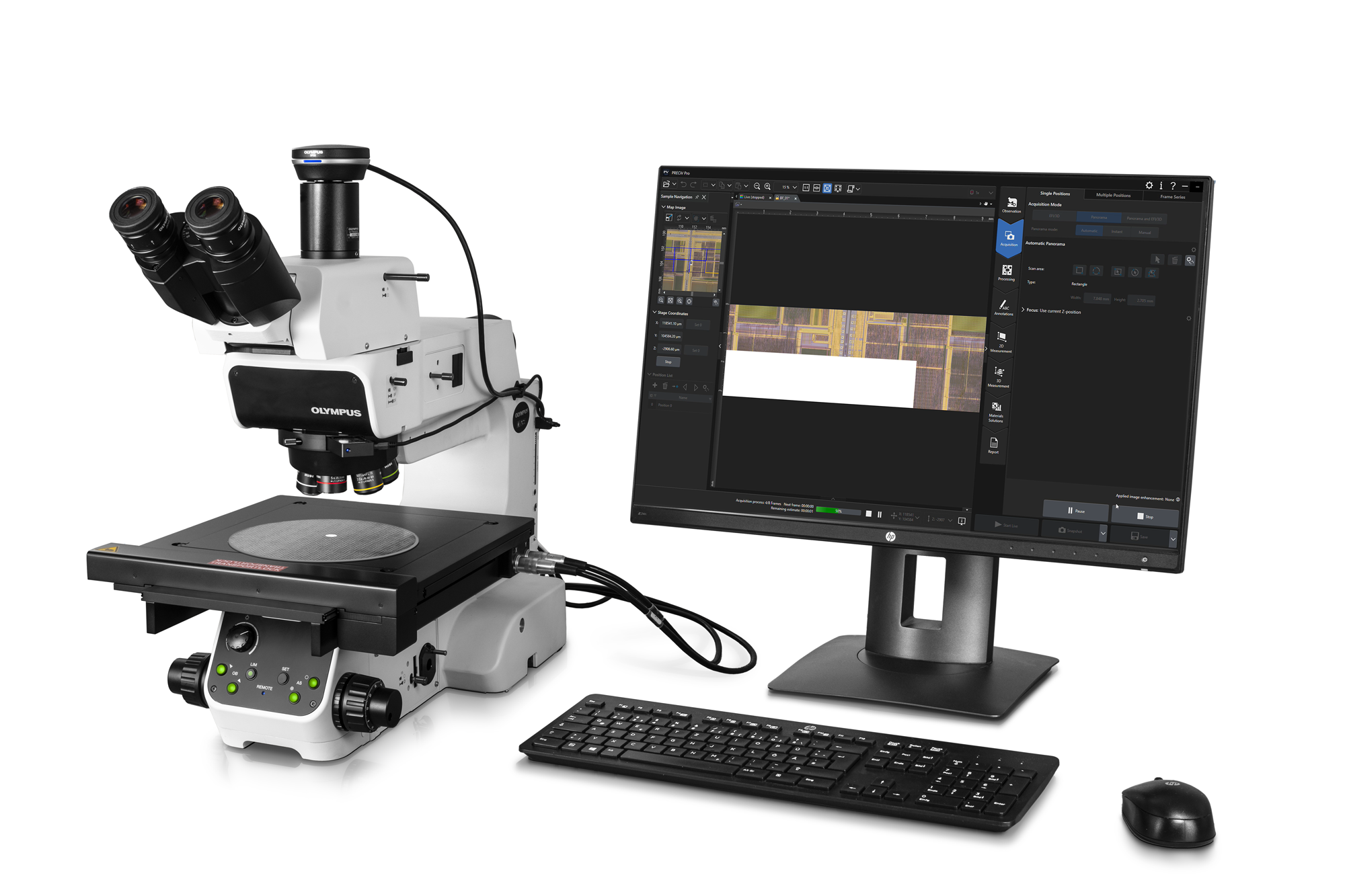
PRECiV™ ProRobust Measurement and ReportingPRECiV™ Pro has the complete set of features and functions, making it the most powerful and versatile version of the software. The Pro version has the tools required for customers in QA/QC, failure analysis, and anyone who needs to produce analytical reports and measurements to validate a sample or production lot. | ![]() |
Designed for Conventional MicroscopyPRECiV Pro works with our manual and semi-motorized microscope systems, microscope cameras, and accessories that enable a range of imaging conditions, including brightfield, darkfield, polarization, and anti-halation. When you install PRECiV Pro and any optional modules, all the necessary drivers are also installed, making it easy to change which products you’re using. Supported Microscope FramesPRECiV Pro supports:
Supported Cameras
Supported Motorized Stages
*Virtual COM port (driver needs to be installed, supplied on the PRECiV setup disk) Customized Software Solutions for X, Y, Z Motorized Stages
| |||||||||||||||||||||||||||||||||||||||||||||||||||||||||||||||||||||||||||||||||||||||||||||||||||||||||||||||||||||||||||||||||||||||||||||||||||||||||||||||||||||||||||||||||||||||||||||||||
| Real-Time Image AcquisitionAll PRECiV packages come with digital live processing technology that enable you to, for example, zoom in on a live image to proof details or make interactive measurements. Acquiring high-quality images is easy as the software’s automatic exposure control, live histogram display, and the over-exposure indicator helps ensure that the entire dynamic range of the camera is used while minimizing blooming or glare artifacts. The focus indicator enables you to select a region of interest and bring it into focus. The digital zoom—operated with the mouse wheel—enables you to quickly check the live image window to be sure the camera has captured the desired details—all before you actually acquire and save the image. As a result, images are produced with maximum fidelity and reproducibility, independent of the user. |
|---|
Movie Recording and Time-Lapse ImagingYou can easily record videos or use the time-lapse acquisition mode to acquire and process time-lapse series. |
Powerful Imaging ToolsDuring live observation or post-acquisition image analysis, PRECiV Pro offers several image-enhancing tools that advance your inspection capabilities and increase your probability of detection. PRECiV Pro supports:
All imaging filters can also be applied on 4K and larger images. Robust color rendering and resolution provide the high-quality images required for industrial applications. PRECiV Pro also has convenient tools that enable you to optimize the live image, including live high dynamic range (HDR), anti-glare, a digital reticle, and a focus aid. Enhanced ContrastHigh dynamic range (HDR) imaging improves contrast in difficult conditions (very bright areas and very dark areas in the same image). All cameras supported by PRECiV Pro can be used in this mode, and dedicated cameras have an available live mode. MIX ObservationPRECiV Pro supports MIX observation. This technique combines directional darkfield illumination, which uses a circular LED to illuminate one or more quadrants at a given time, and brightfield illumination, fluorescence, or polarization, enabling users to highlight defects and differentiate raised surfaces from depressions that are normally difficult to see with conventional microscopes. MIX observation helps reduce a sample’s halation and is useful for visualizing a sample’s surface texture.
|
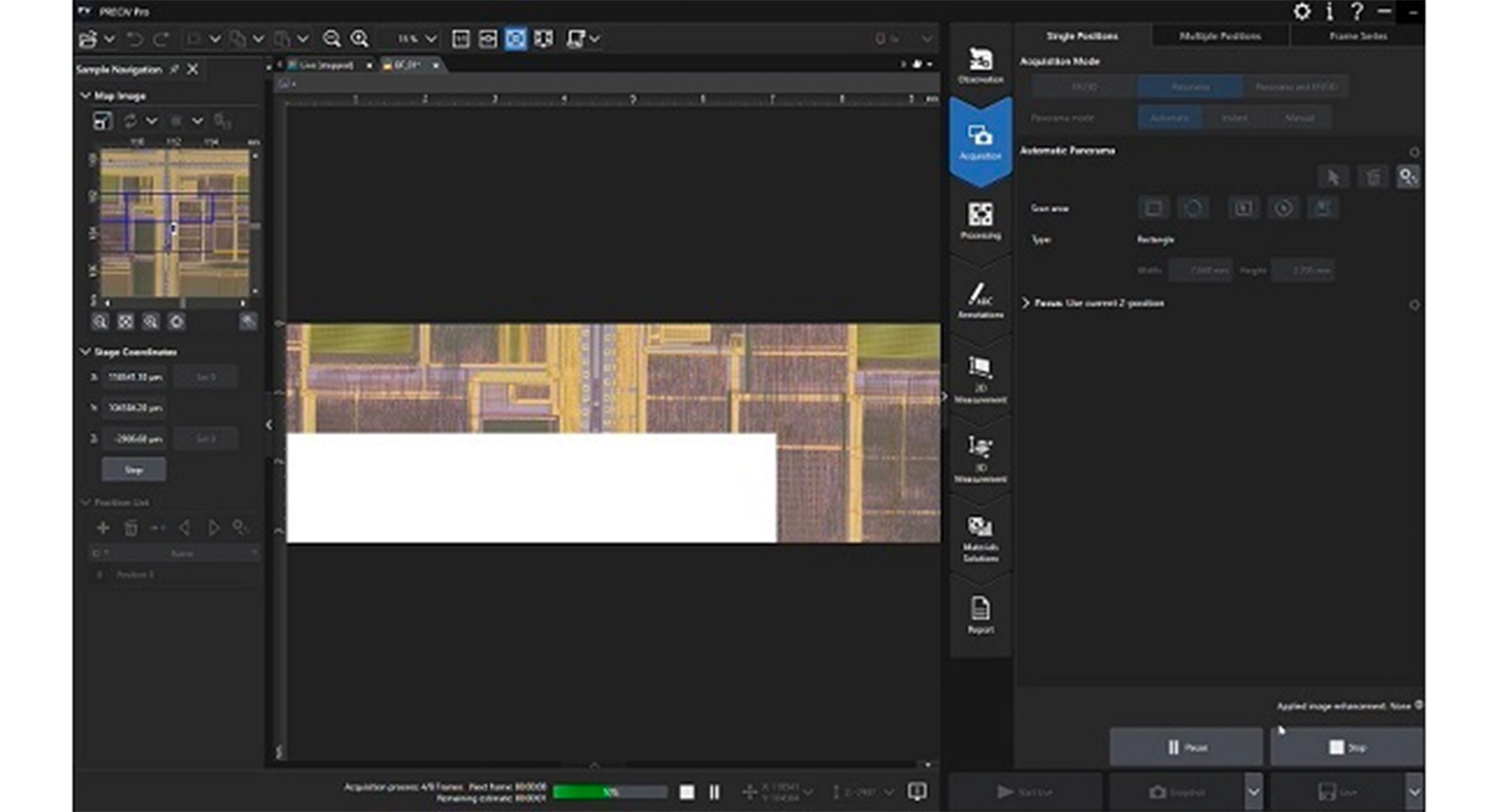
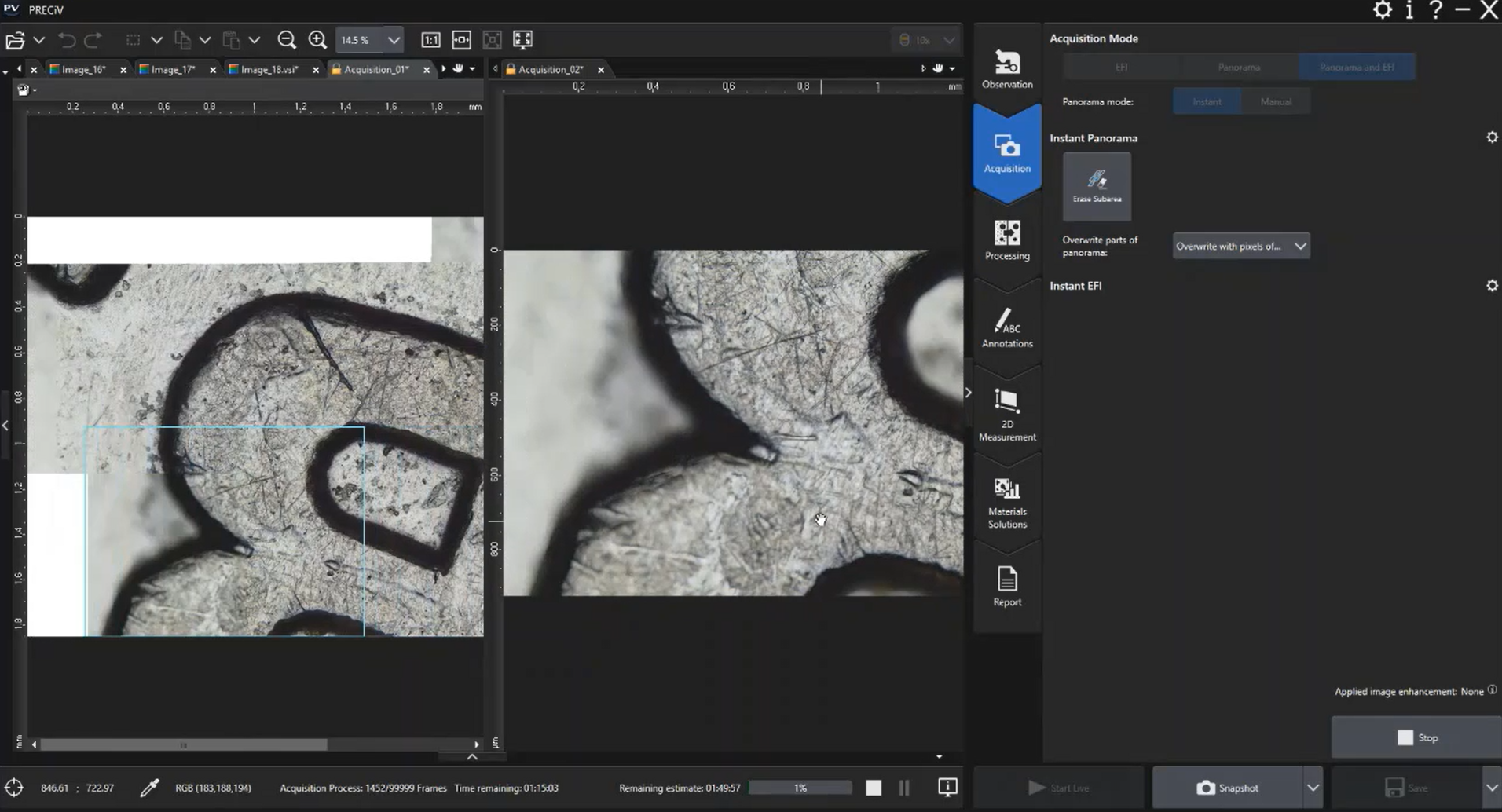
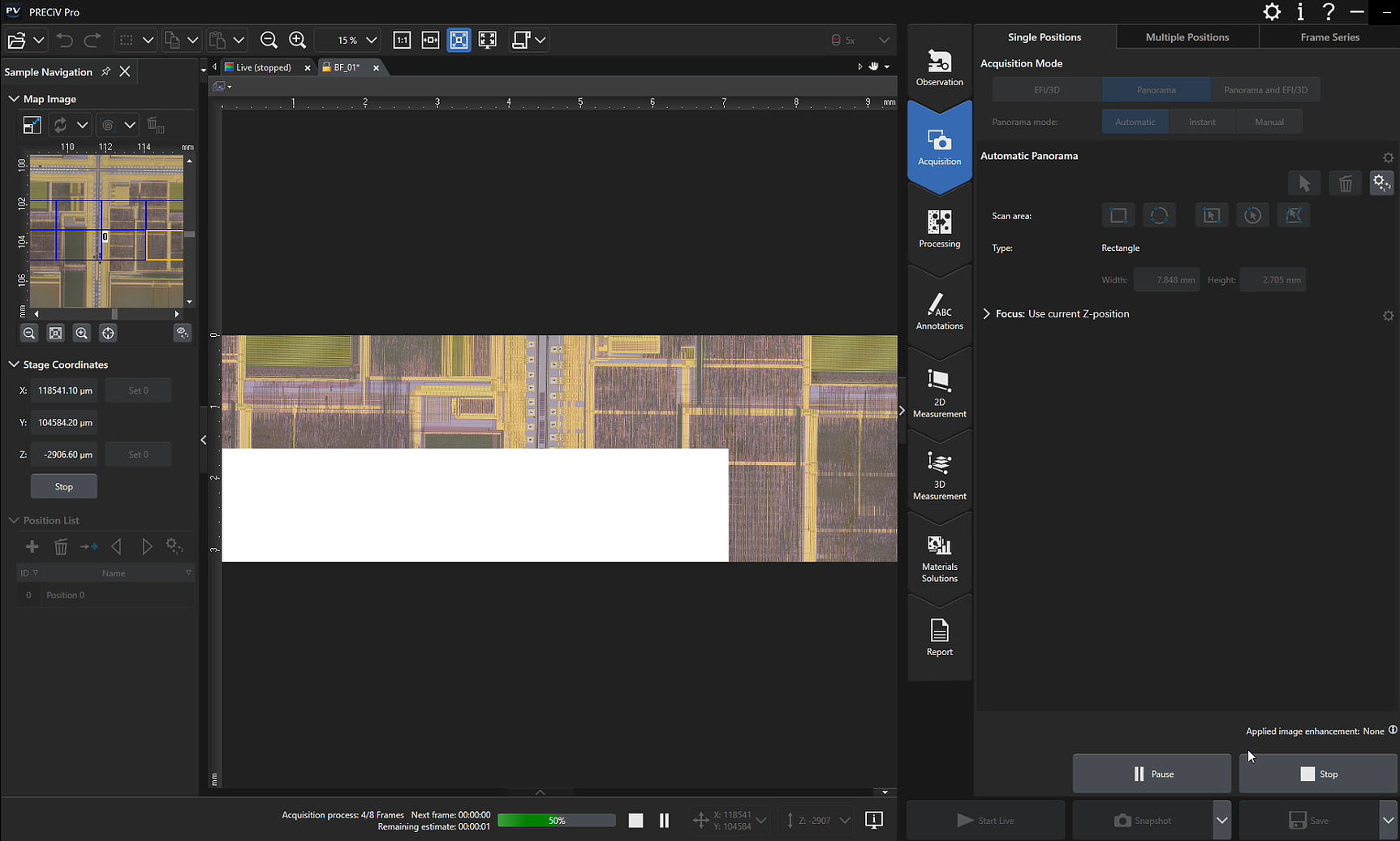
Acquire Combined Panorama and EFI ImagesThe extended focus imaging (EFI) function enables you to obtain fully in-focus images by serially acquiring multiple images at different focal planes with manual and motorized devices. In manual mode, the panorama function enables you to acquire images larger than the microscope’s field of view by moving the stage across the sample manually or using an automated stage. Using PRECiV Pro software, you can now combine the instant EFI and panorama functions—even for manual microscope stages—while keeping both hands on the microscope. A colored frame indicator shows the quality of each image being stitched together, while a split screen shows the live image and stitched image side by side. With motorized devices, the acquisition of such combined panorama and EFI images runs completely automatically.* * Requires the optional Motorization or 3D Acquisition modules.
|
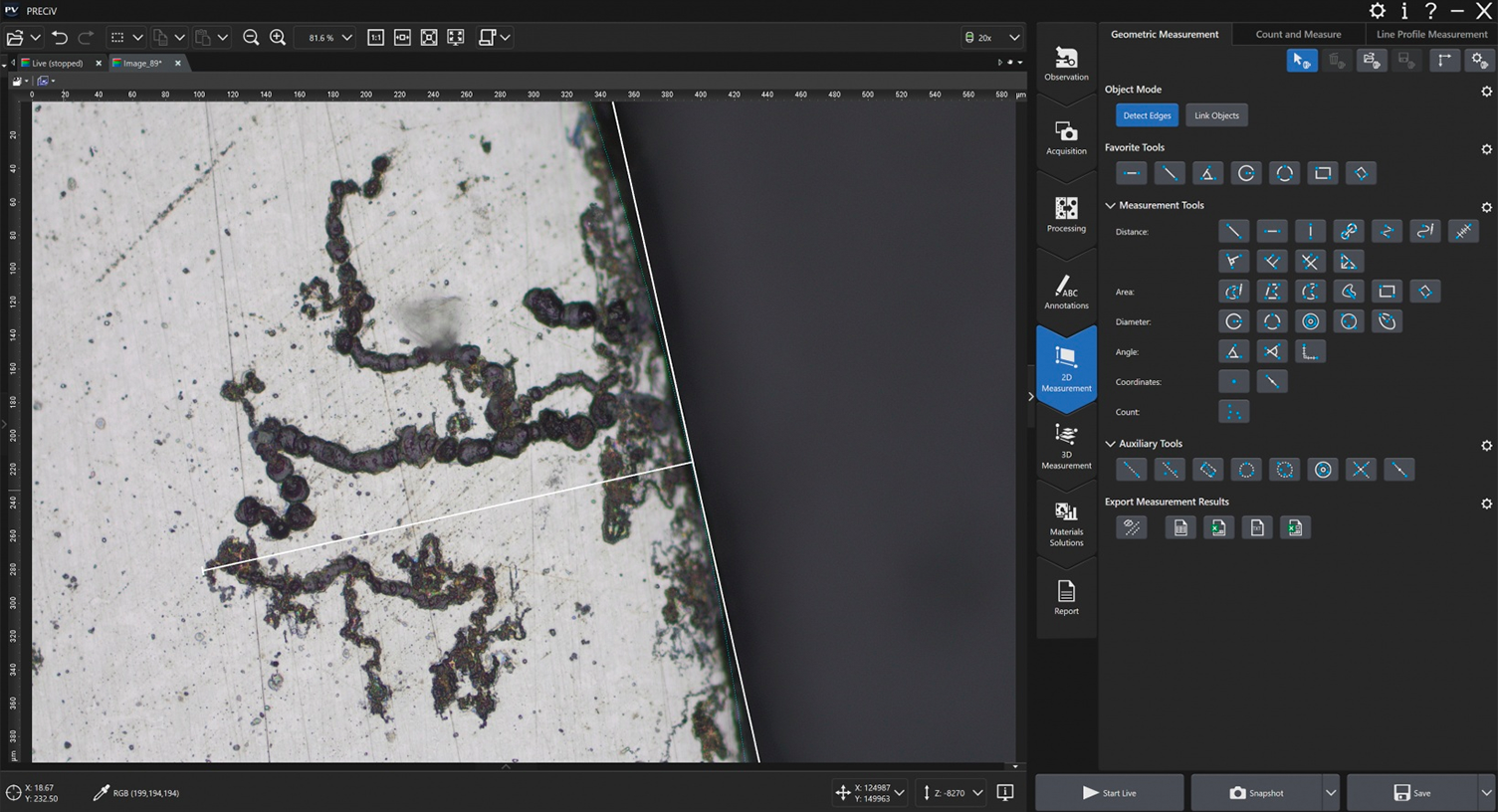
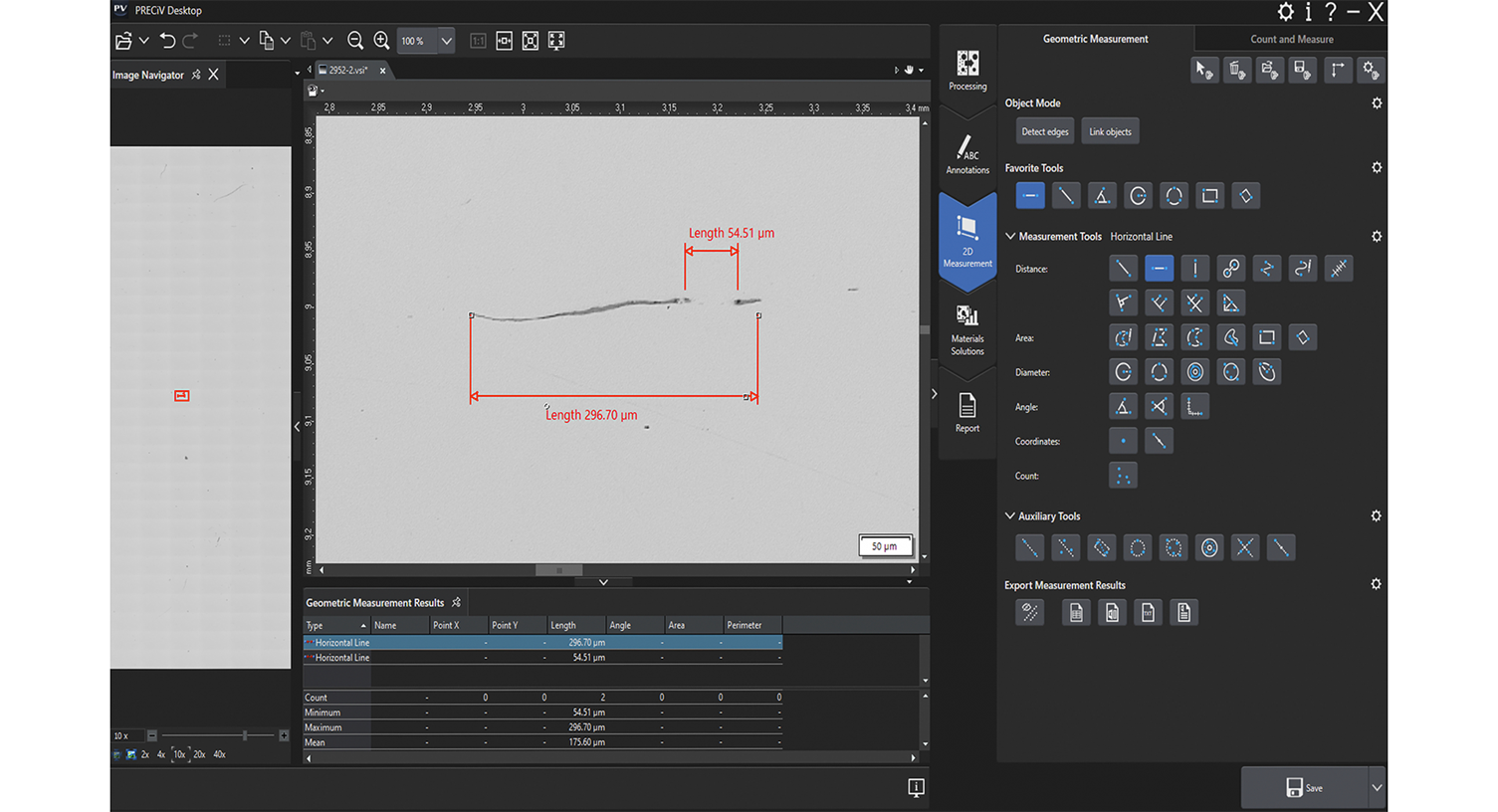
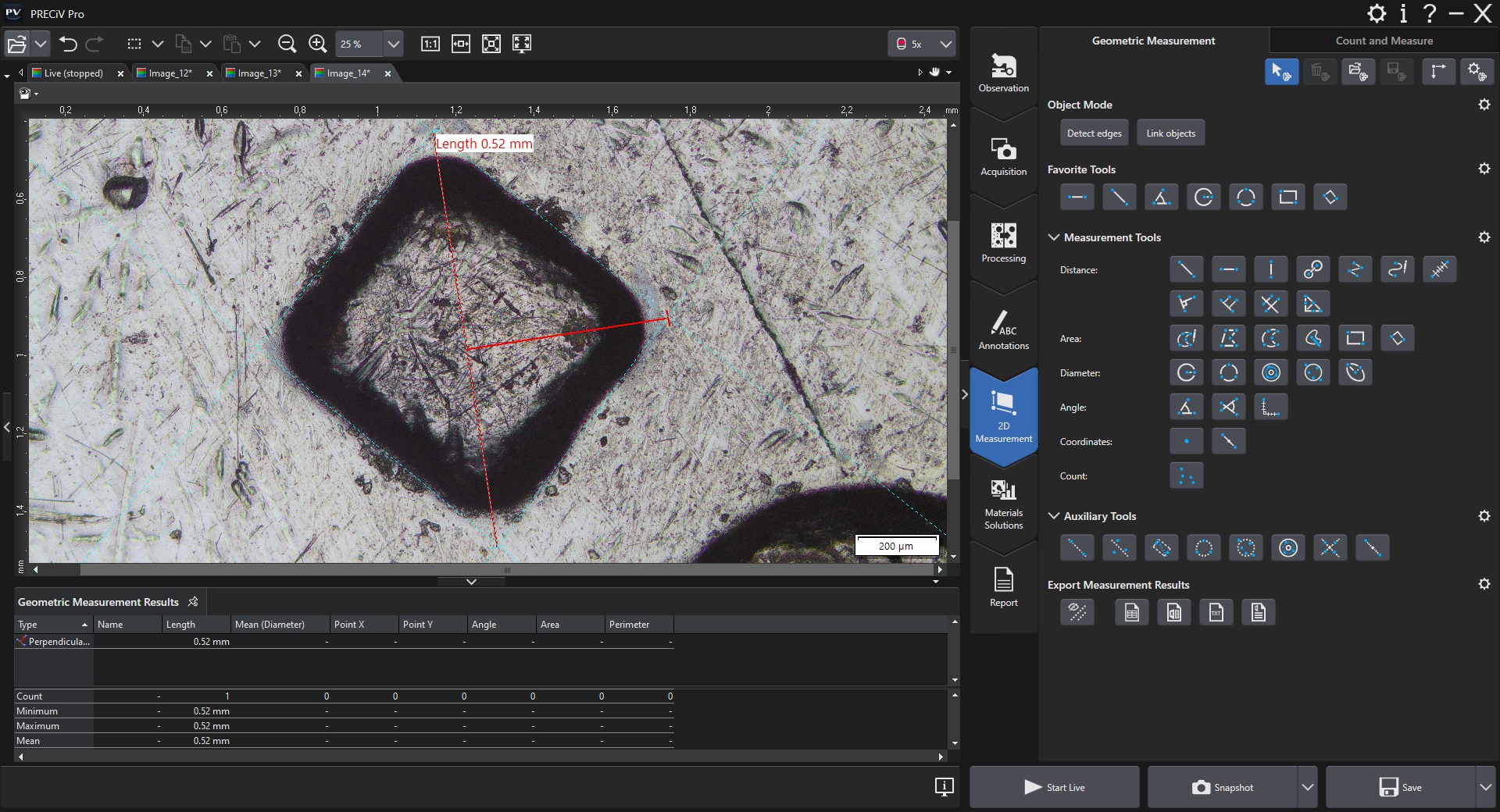
Advanced Interactive MeasurementsPRECiV Pro enables precise, repetitive two-dimensional measurements on a live or recorded image through a combination of a simple user interface and powerful functions like auto edge detection, which makes it easy to reliably measure the distance between points. Other helpful measurement features include:
Measurement results can be compiled in a workbook and easily exported to Excel. |
|---|
Automate Repetitive Tasks with MacrosMacros (succession of simple operations) can be recorded and applied on single images or on series of multiple images automatically. Use the macro recorder to record and play macros easily. |
Enhance your Microscopy Experience Using AIPRECiV software with TruAI deep-learning technology offers image analysis beyond classical algorithms. You can apply a trained neural network to your samples for higher reproducibility and more robust analysis. Choose between semantic or instance segmentation methods for improved neural network training, enabling you to tackle difficult applications in just one step. Live AILive AI* is a powerful tool for everyday use. It displays detected features directly on the live image using an overlay. This lets you easily screen the sample for any wanted or unwanted blobs without altering the image itself. Live AI can also be used to improve the image quality, such as removing unwanted scratches, for enhanced analysis. As an option, PRECiV TruAI technology can also count the defects it identifies on the live image as well.** * Using the optional neural network training module. |
|---|
Neural Network Integration (AI)PRECiV software’s AI can be used on a PC even when it is offline.* The training is performed on the supplied dataset, and the resulting quality of the AI analysis depends on the images provided for the training.
*PRECiV AI technology does not use generative AI. PRECiV AI is independent from the network and can be used on a PC that is disconnected. |
|
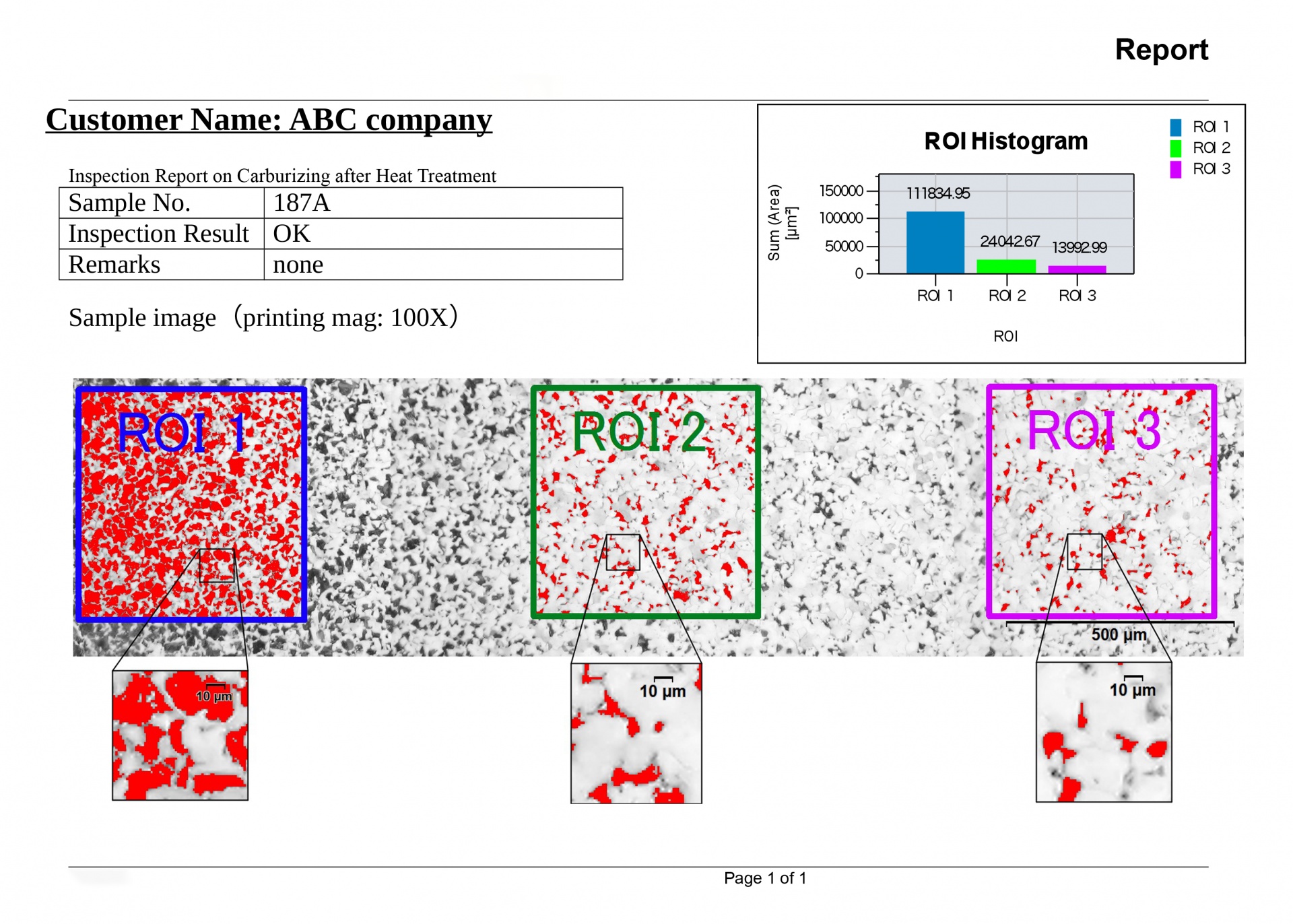
Professional report that summarizes particle count data, including image details using digital zooming | Efficient Report CreationCreating a report often takes longer than capturing the image and taking the measurements. PRECiV Pro provides intuitive report creation to repeatedly produce smart and sophisticated reports based on predefined and customized templates. Editing is simple, and reports can be exported to Microsoft Word, Excel, or PowerPoint. |
|---|
PRECiV DSX
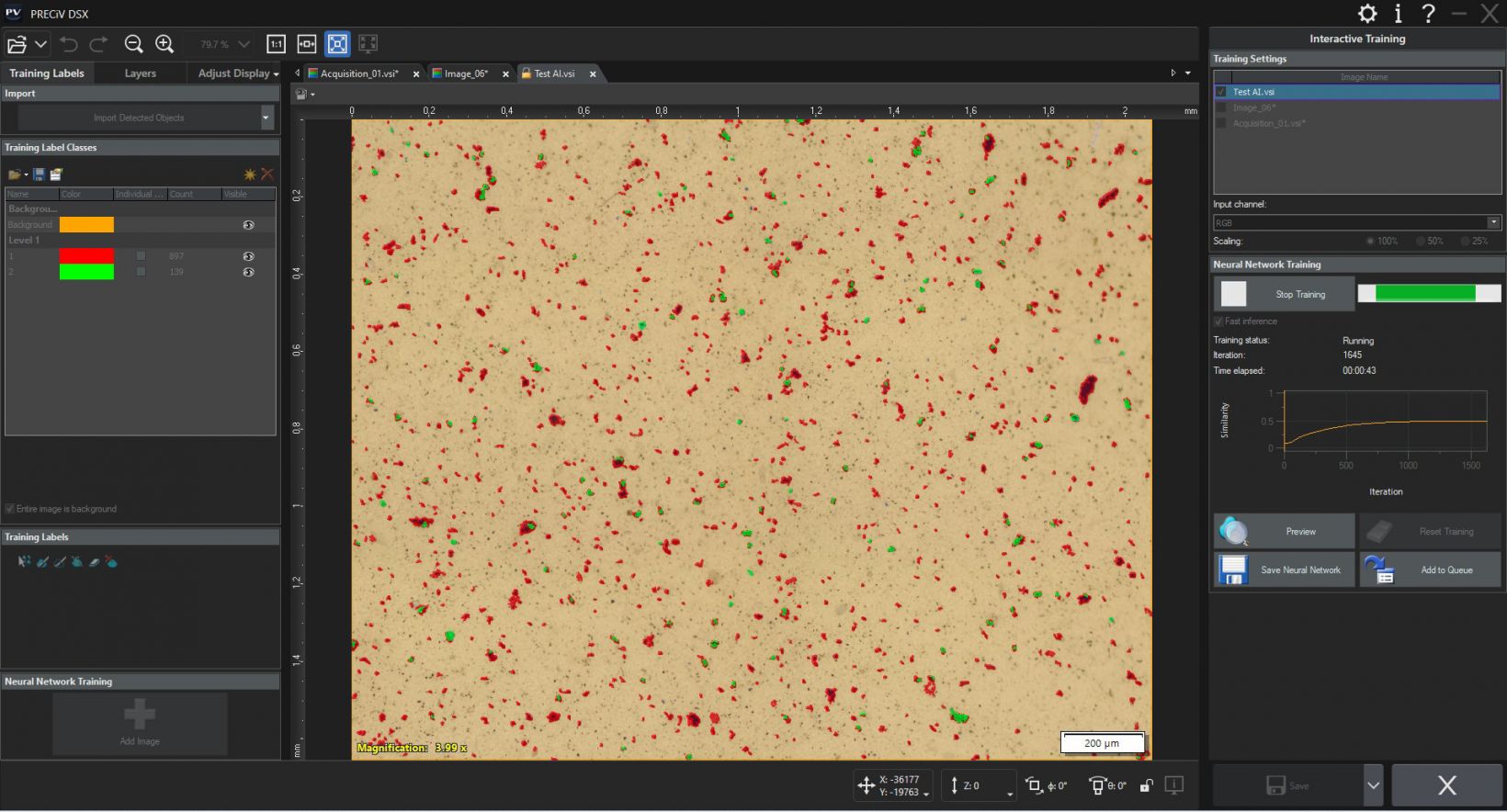
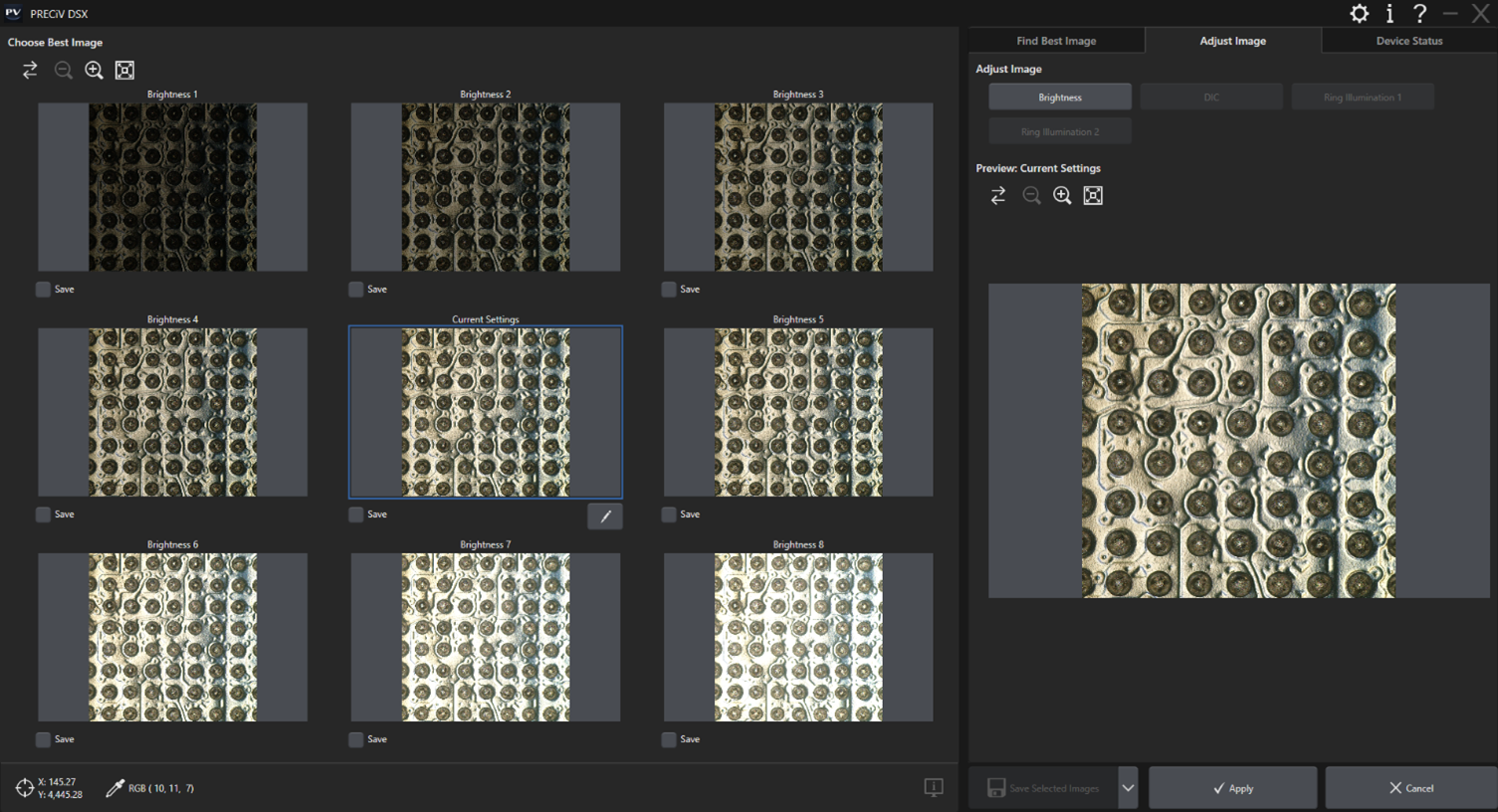
PRECiV™ DSX for Digital MicroscopesPRECiV DSX enables you to control our DSX series digital microscopes, including DSX2000 and DSX1000 systems. The software streamlines your inspection workflow with control of macro-to-micro observation, multiple observation methods at the push of a button, and easy objective lens changes. | ![]() |
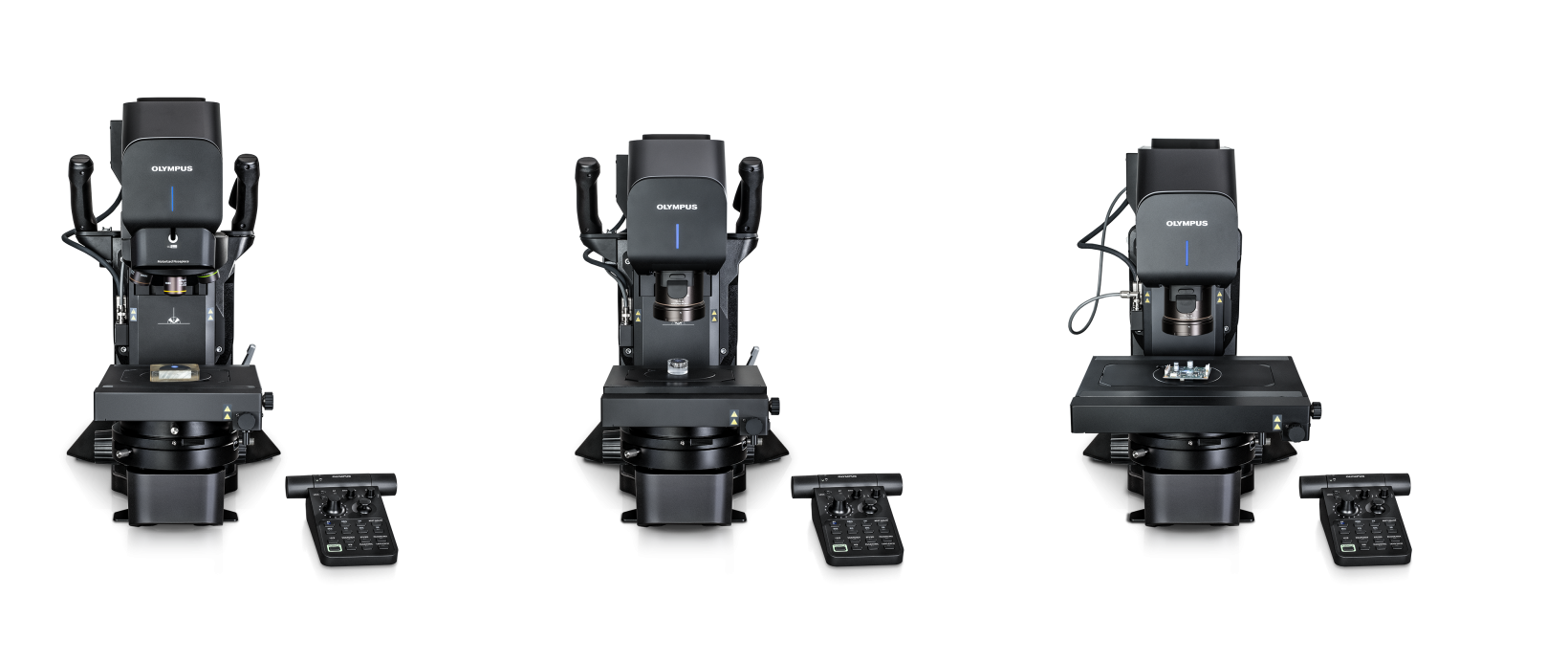
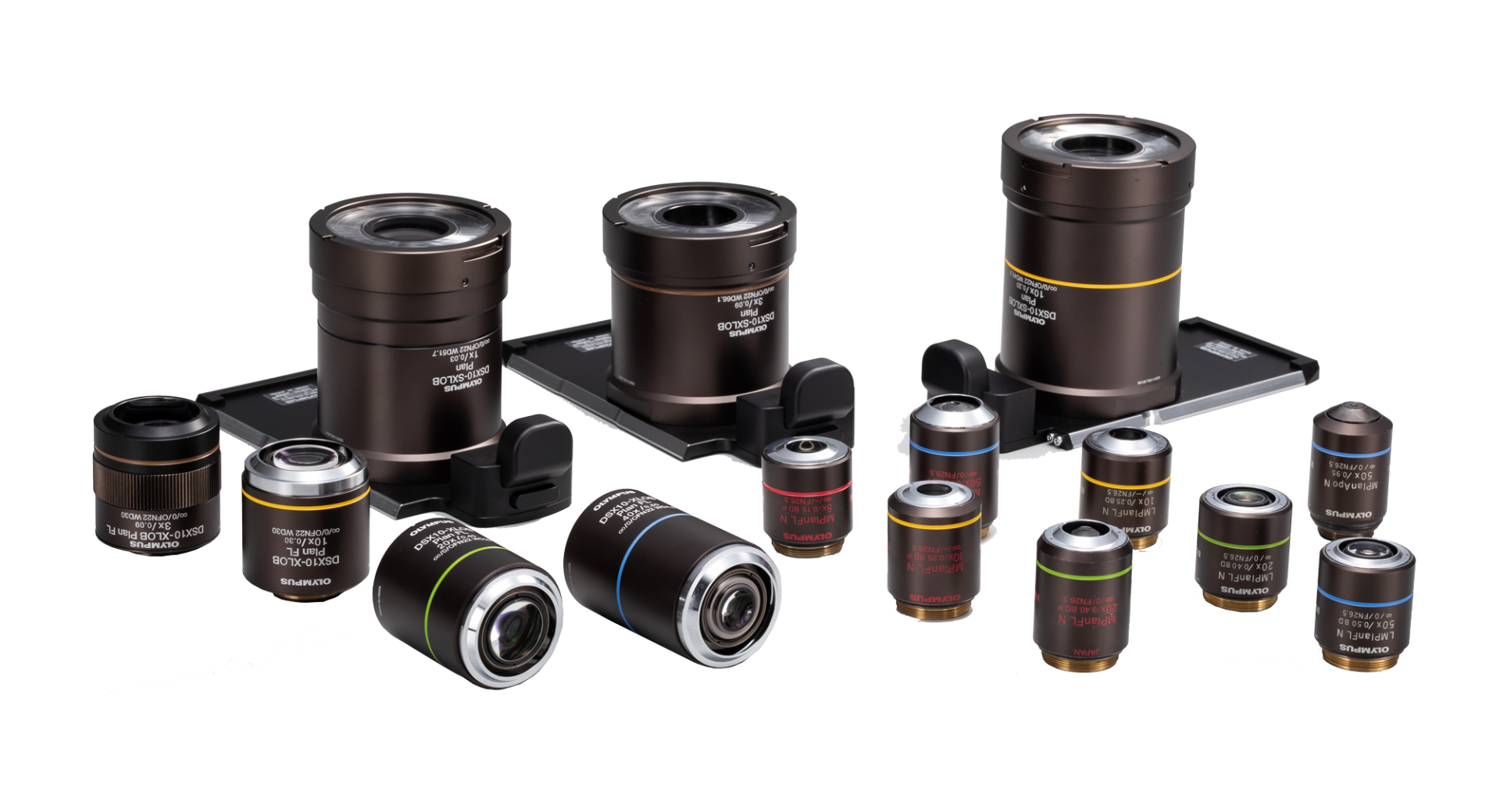
Supports Your Modular Microscope SetupPRECiV DSX supports all DSX series digital microscope models and associated accessories. Supported Hardware
|
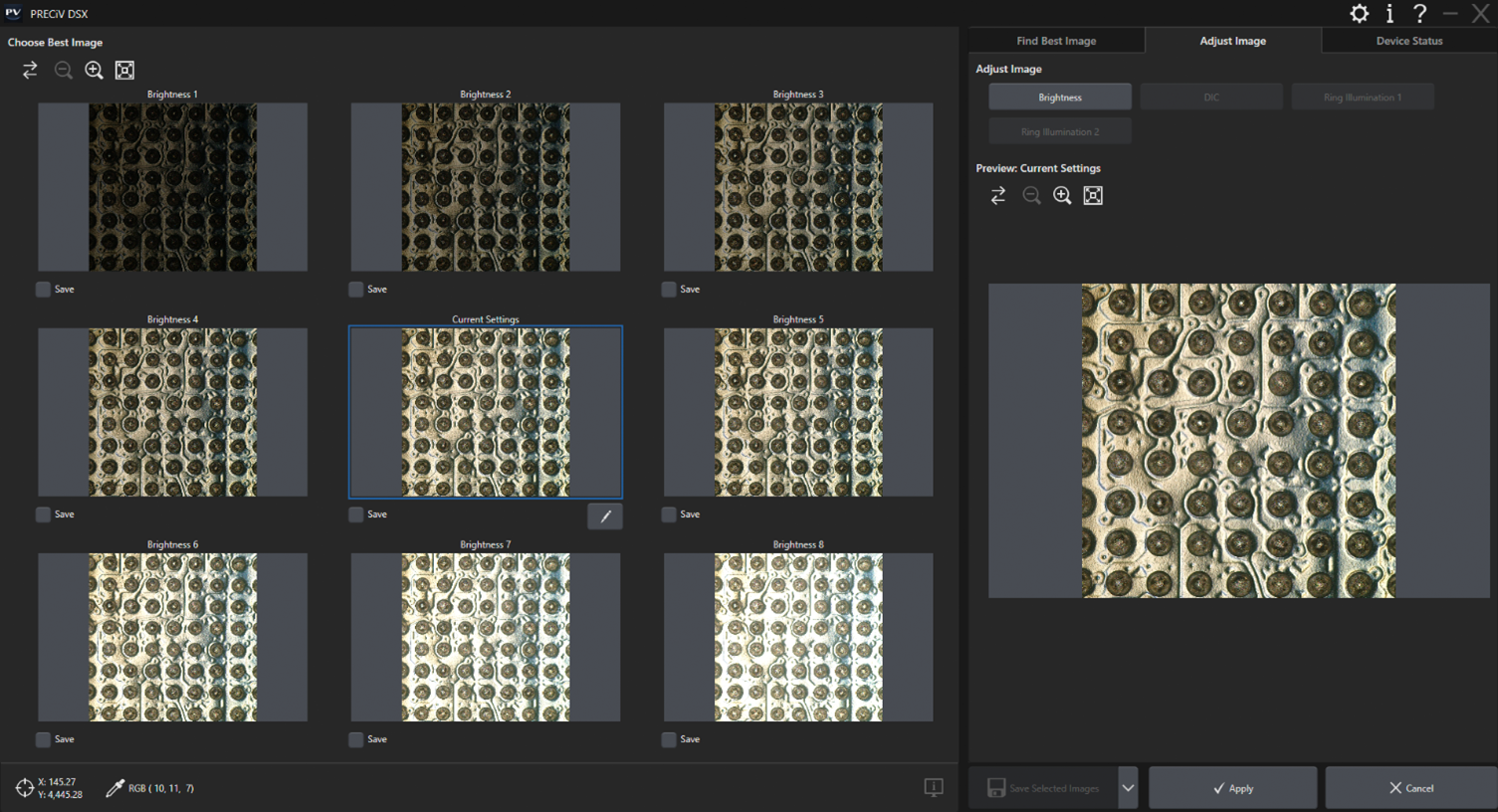
![]() | Requires Minimal TrainingBy following a predefined inspection in EZ mode, everyone on the team can perform an efficient microscopy analysis with minimal training. The PRECiV DSX interface also offers full control to expert users in the flexible inspection mode for more advanced analyses. |
|---|
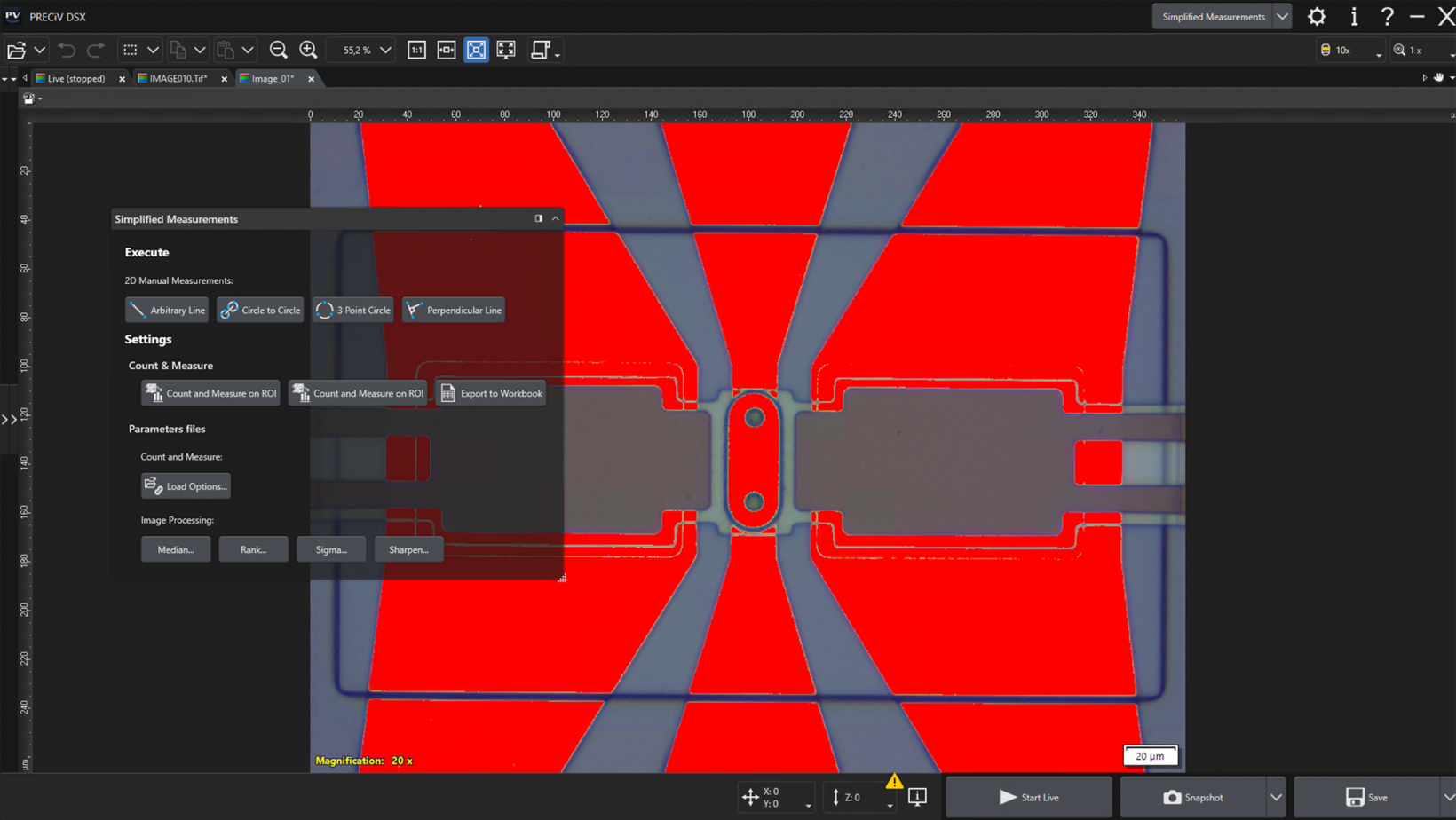
Advanced Interactive MeasurementsPRECiV DSX enables precise, repetitive two-dimensional measurements on a live or recorded image through a combination of a simple user interface and powerful functions like auto edge detection, which makes it easy to reliably measure the distance between points. Other helpful measurement features include:
|
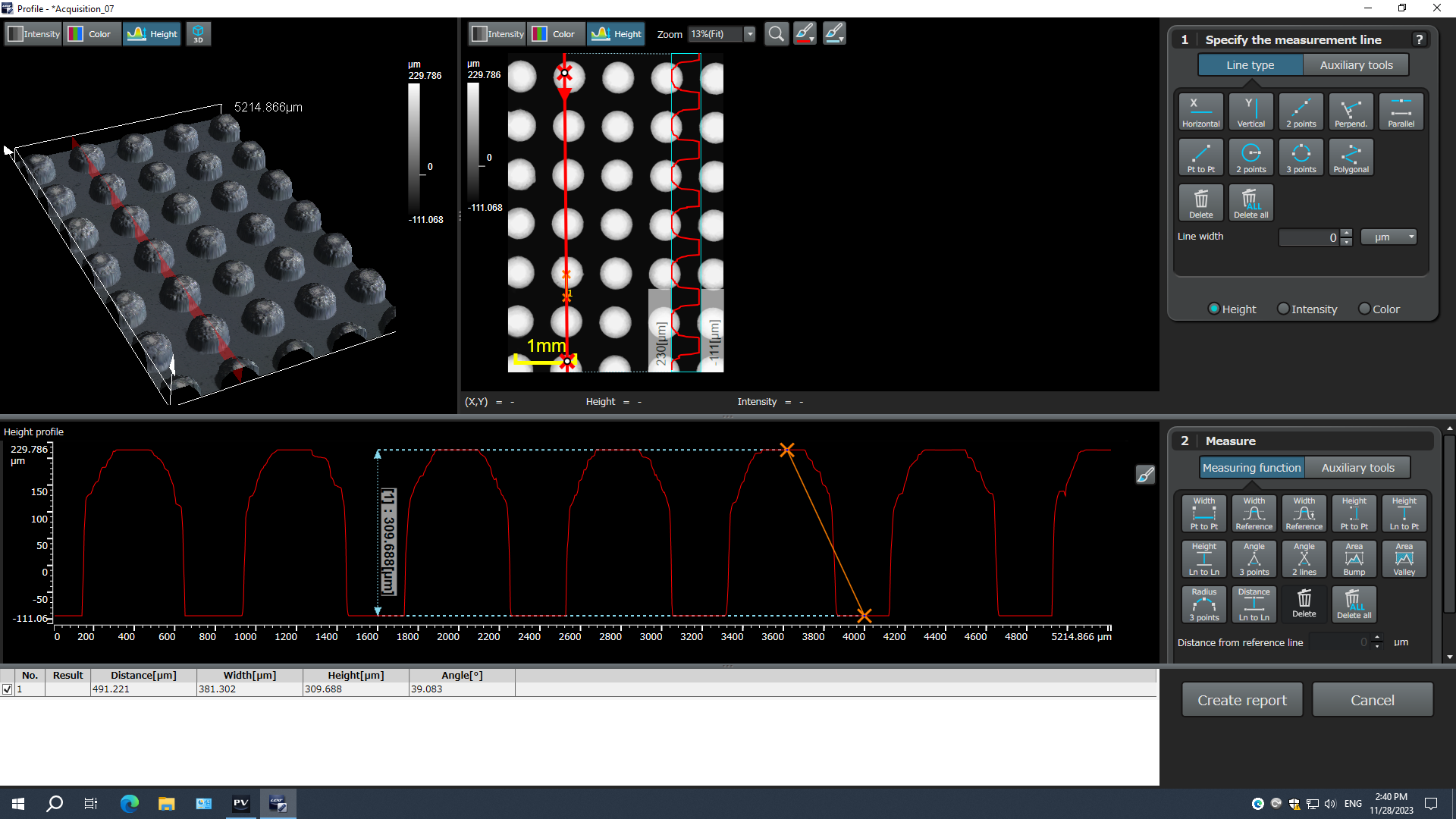
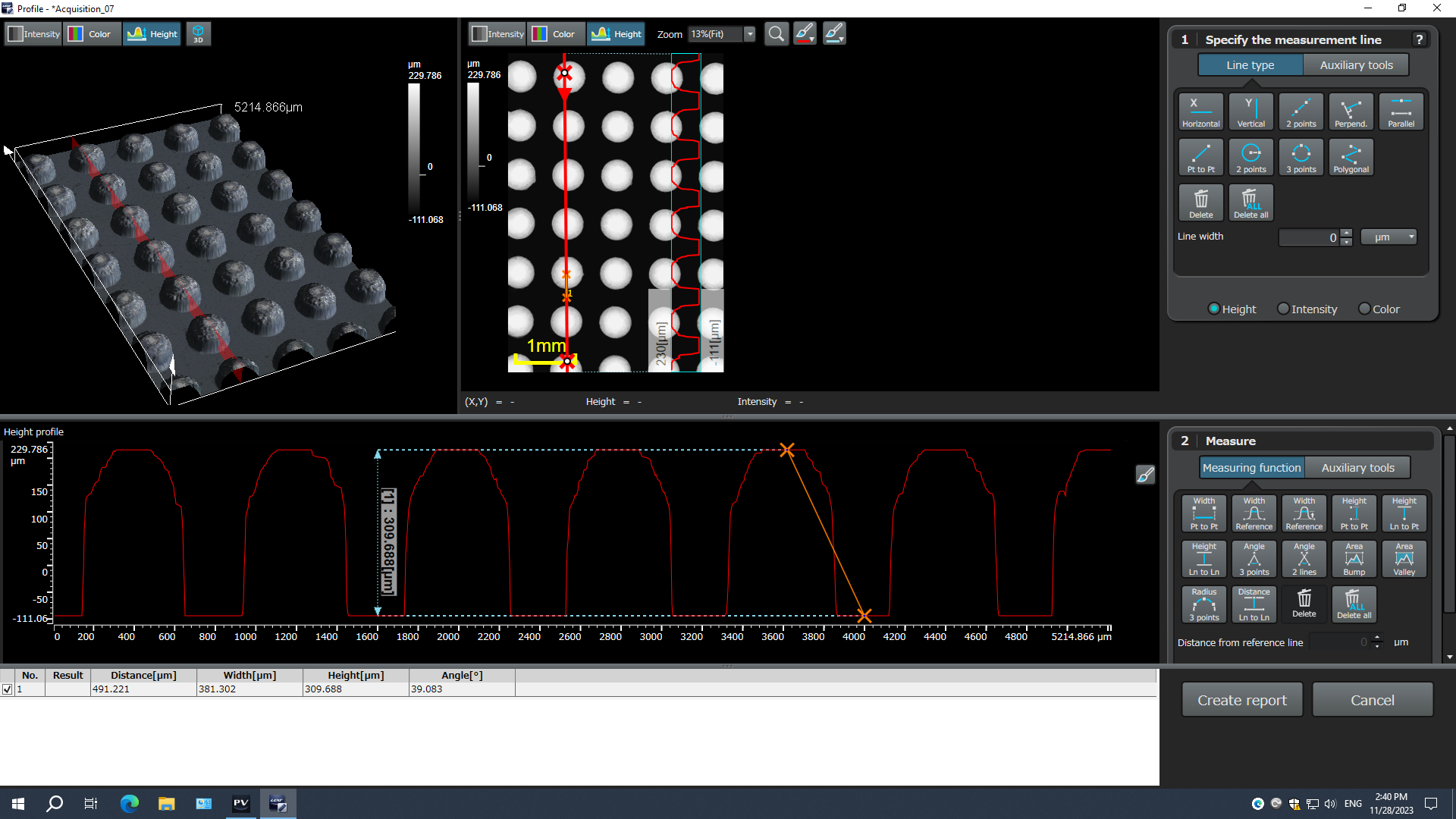
Simple and Advanced 3D MeasurementsSimple 3D measurements (line profile) are available in PRECiV DSX on all images with height information. For advanced measurements (surface roughness, volume measurement), PRECiV DSX can export images directly to the 3D analysis application for further processing and analysis.
|
Acquire Combined Panorama and EFI ImagesThe extended focus imaging (EFI) function enables you to obtain fully in-focus images by serially acquiring multiple images at different focal planes with manual and motorized devices. The panorama function enables you to acquire images larger than the microscope’s field of view. With PRECiV DSX you can calculate EFI and panorama images offline based on previously acquired images. |
Enhance your Microscopy Experience Using AIPRECiV software with TruAI deep-learning technology offers image analysis beyond classical algorithms. You can apply a trained neural network to your samples for higher reproducibility and more robust analysis. Choose between semantic or instance segmentation methods for improved neural network training, enabling you to tackle difficult applications in just one step. Live AILive AI* is a powerful tool for everyday use. It displays detected features directly on the live image using an overlay. This lets you easily screen the sample for any wanted or unwanted blobs without altering the image itself. Live AI can also be used to improve the image quality, such as removing unwanted scratches, for enhanced analysis. As an option, PRECiV TruAI technology can also count the defects it identifies on the live image as well.** * Using the optional neural network training module. |
|---|
Neural Network Integration (AI)PRECiV software’s AI can be used on a PC even when it is offline.* The training is performed on the supplied dataset, and the resulting quality of the AI analysis depends on the images provided for the training.
*PRECiV AI technology does not use generative AI. PRECiV AI is independent from the network and can be used on a PC that is disconnected. |
|
PRECiV ADM
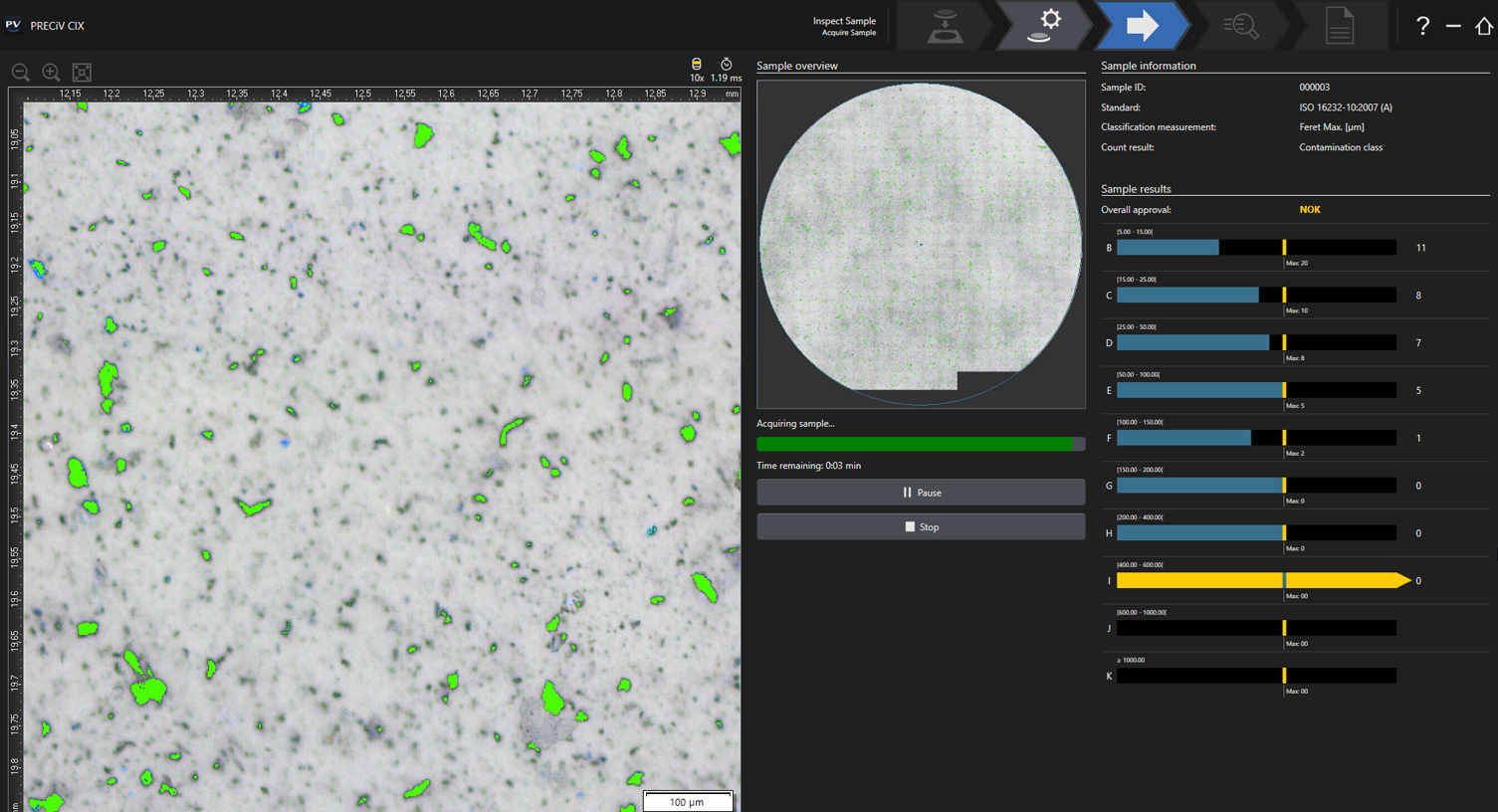
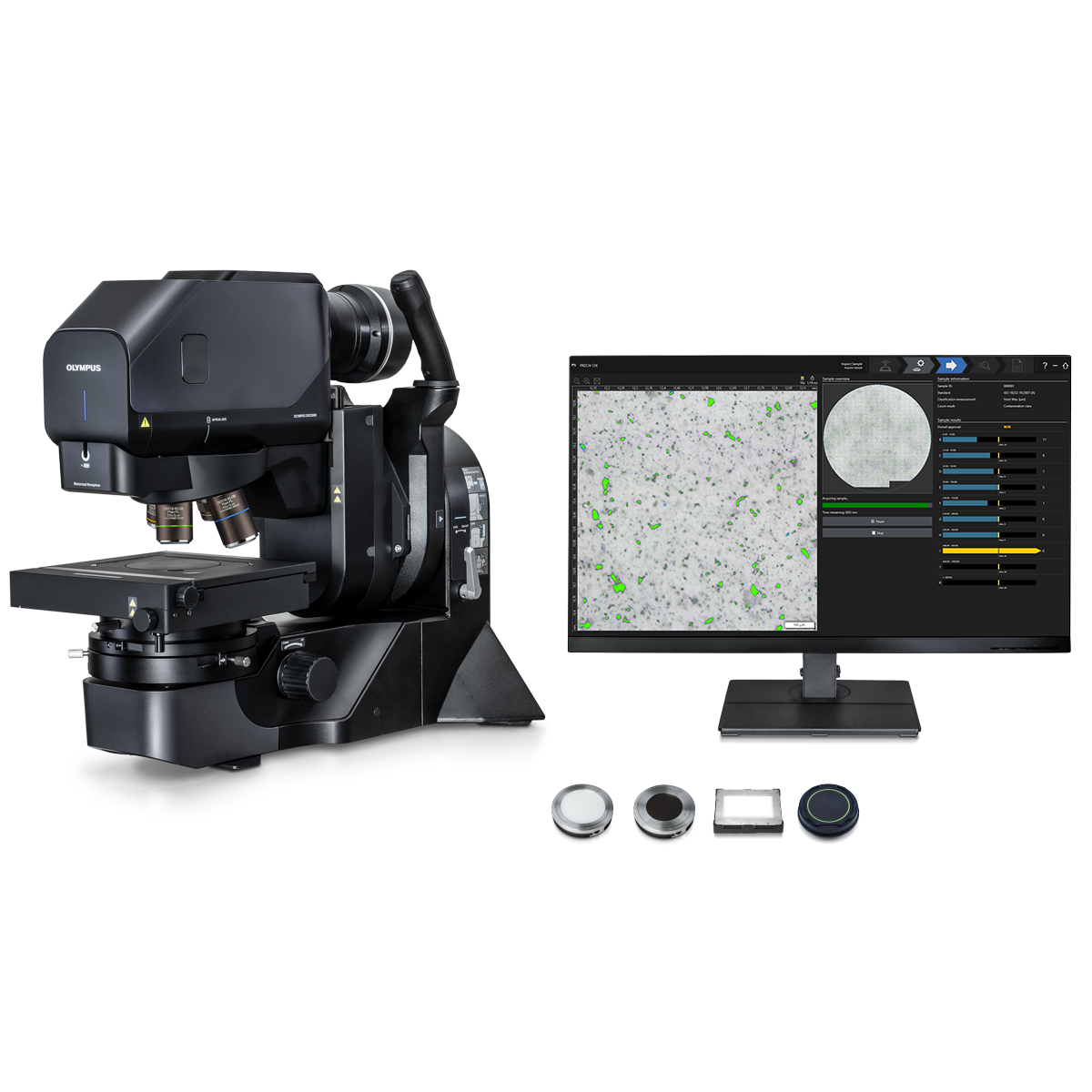
PRECiV™ ADMSimplify Your Technical CleanlinessTechnical cleanliness is critical in manufacturing. With PRECiV ADM* software, the DSX2000 digital microscope delivers clear insight into particle count, size, and characteristics in one easy-to-use platform. Compliant results are customized to company and industry standards, including ISO 16232 and VDA 19, in just one click. *PRECiV ADM is available only on the MZH model. | ![]() |
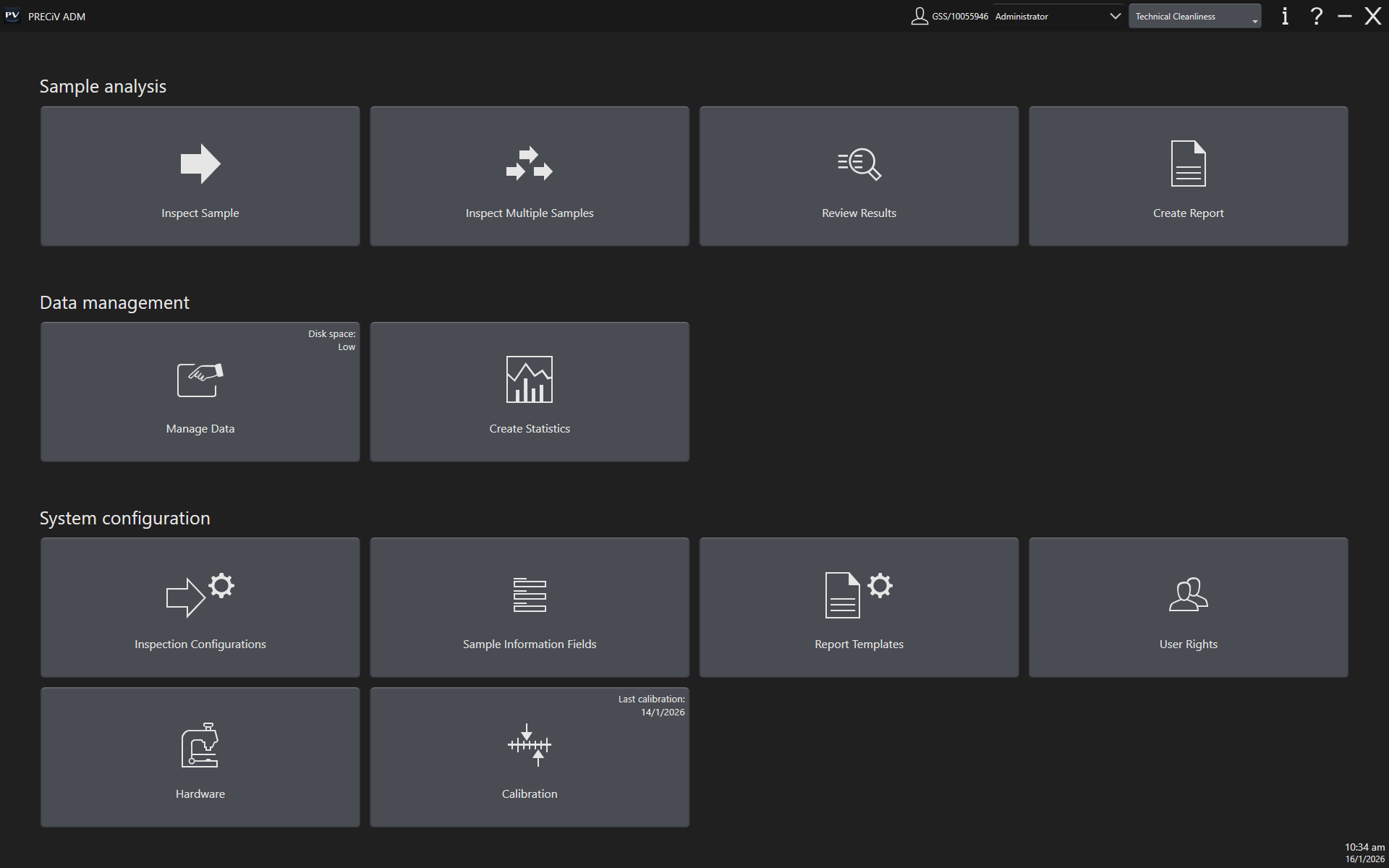
![]() | Intuitive Guidance
|
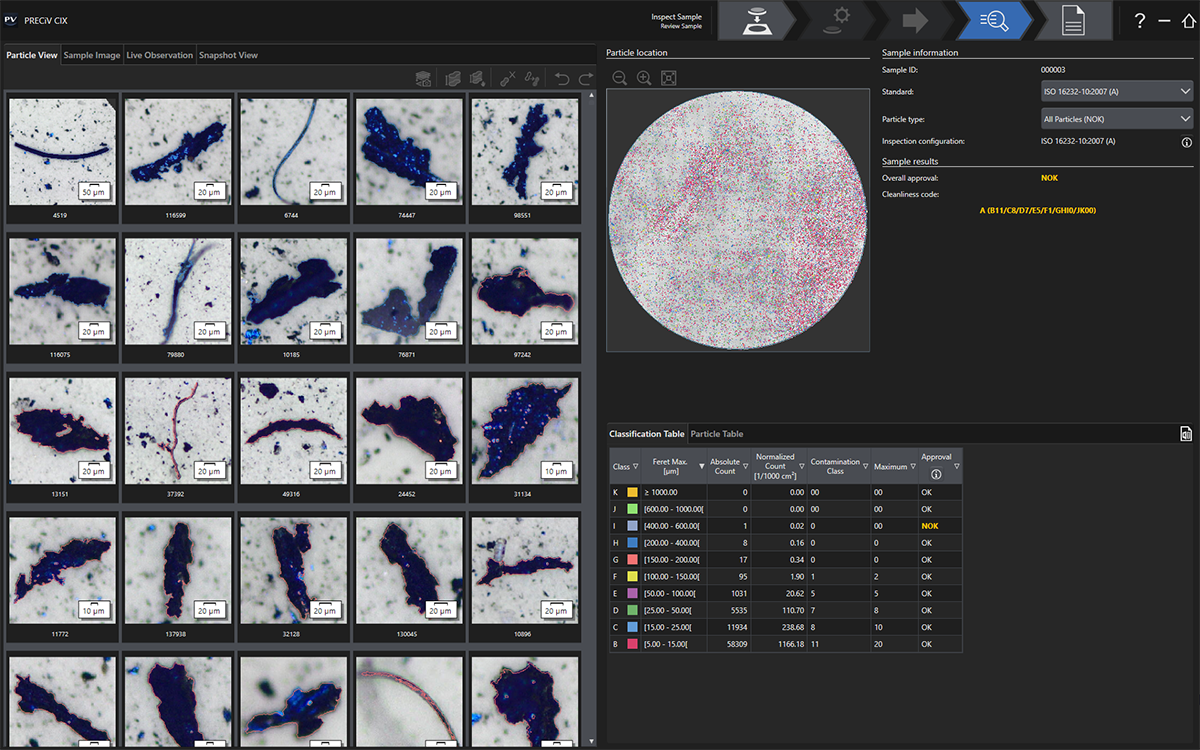
Efficient Data EvaluationRevise inspection data with easy-to-use tools that support company and international standards for cleanliness inspection. Clear representation of all relevant results saves time.
| ![]() |
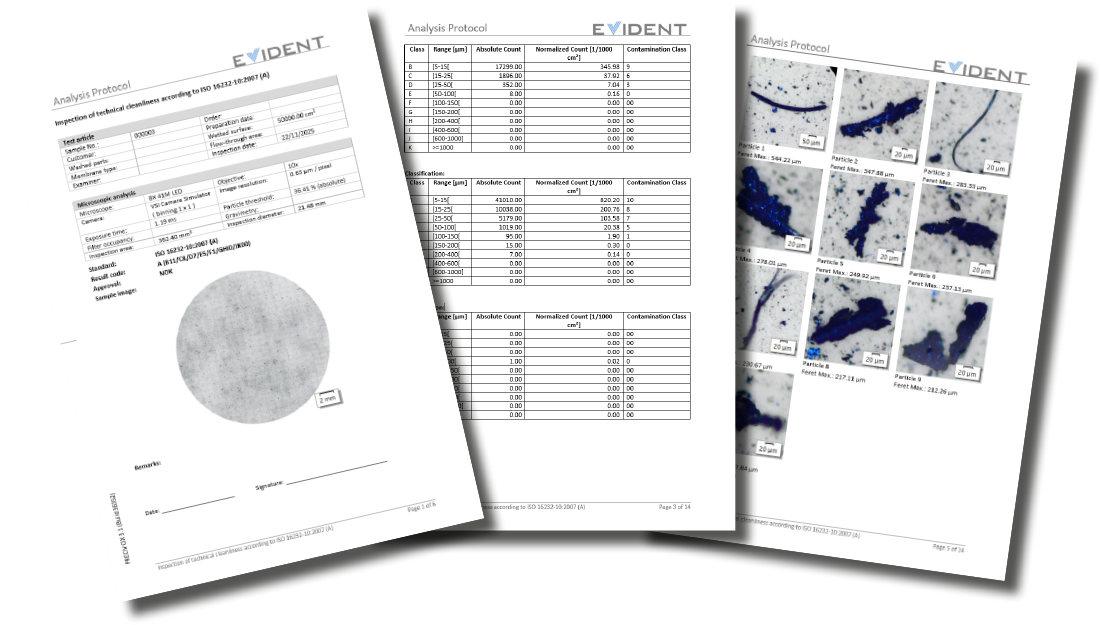
![]() | Compliant Report CreationOne-click reporting meets the requirements and methodologies in international standards. Report customization (such as including particle morphology), makes it easy to meet company standards.
|
Versatility for Common Sampling MethodsPRECiV ADM supports both circular and rectangular inspection areas to suit different sampling methods in technical cleanliness standards.
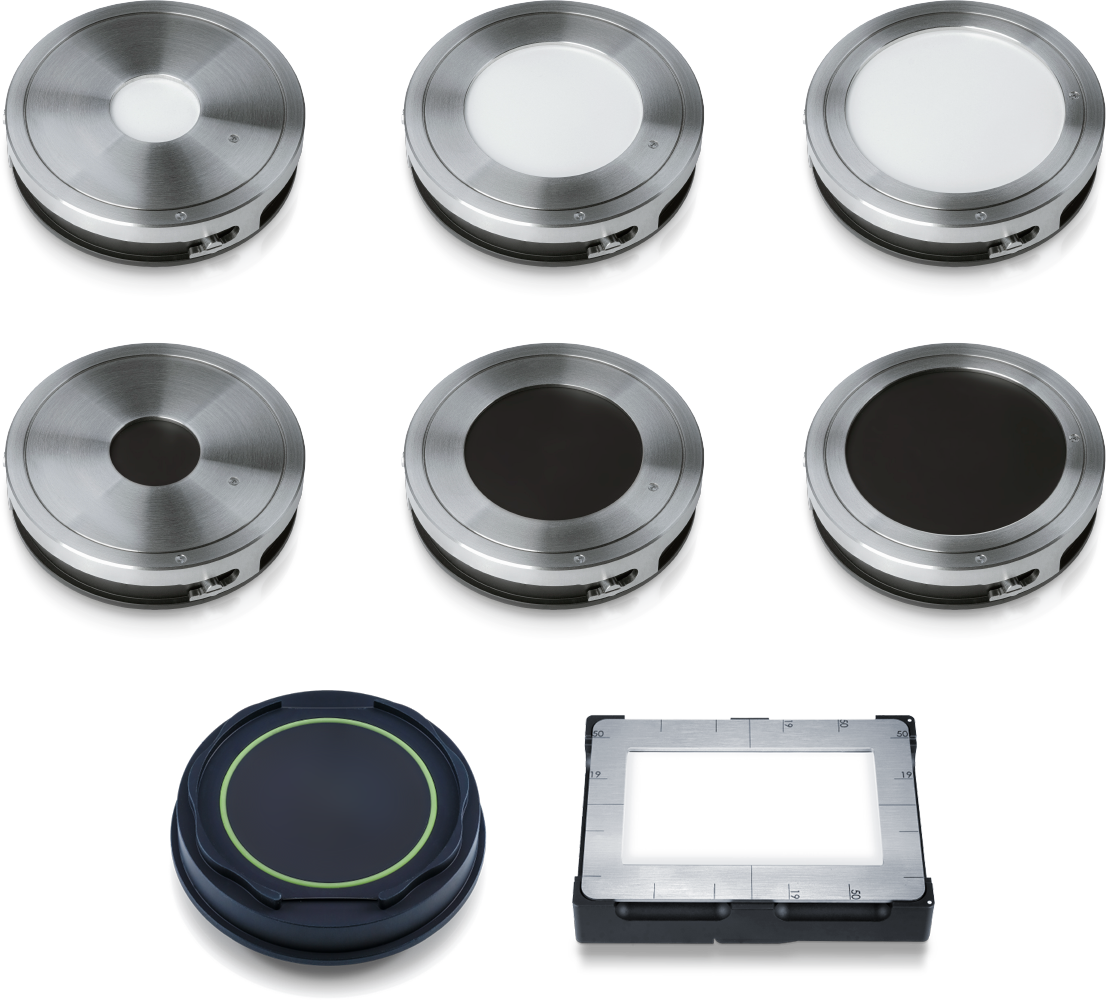
| ![]() Top and middle: circular sample holders with white and black backgrounds for filter membranes with diameters of 25 mm, 47 mm, and 55 mm. Bottom left: circular sample holder for particle traps. Bottom right: rectangular sample holder for tape lift sampling.* |
PRECiV Desktop
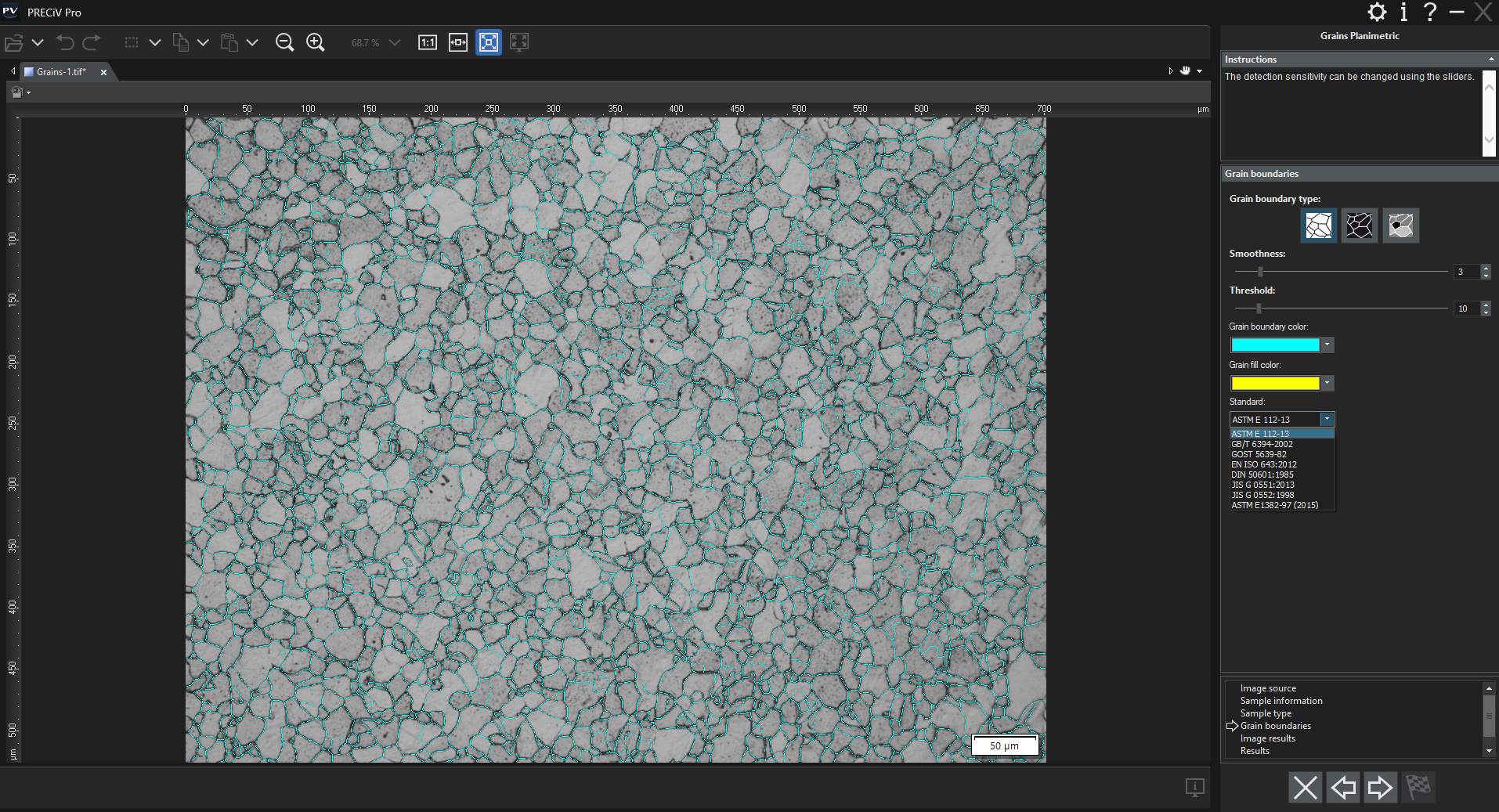
PRECiV™ DesktopRobust Measurement and ReportingPRECiV™ Desktop software is made for customers who want to post-process their data independent from the microscope with all the available measurement and analysis capabilities, but without the camera and image capture controls. | ![]() |
Image Processing (Matrix Filters and Color and Contrast Adjustments)If you need to process your images, PRECiV Desktop offers many tools such as edge detection filters, smoothing filters, and sharpening filters as well as intensity and contrast adjustments, shading correction and background subtraction, dynamic contrast enhancement, and morphological filters. |
|---|
Advanced Interactive MeasurementsPRECiV Desktop enables precise, repetitive two-dimensional measurements on recorded images through a combination of a simple user interface and powerful functions like auto edge detection, which makes it easy to reliably measure the distance between points. Other helpful measurement features include:
Measurement results can be compiled in a workbook and easily exported to Excel. |
Automate Repetitive Tasks with MacrosMacros (succession of simple operations) can be recorded and applied on single images or on series of multiple images automatically. Use the macro recorder to record and play macros easily. |
|---|
3D SolutionMeasurements of 3D profiles and surface roughness are also available in PRECiV software. The basic 3D solution extracts the 3D profile from any 3D image acquired with EFI, any 3D Z-stack, or any file containing height information. Working with all microscopes, this powerful method evaluates the surface condition of the sample. For advanced 3D measurements, it is possible to connect your acquired images with the expert 3D analysis application for all roughness measurement techniques on the profile or areal level. PRECiV software can export data using the OIR file format for better compatibility with systems such as our LEXT™ series laser confocal microscopes.
|
Enhance your Microscopy Experience Using AIPRECiV software with TruAI deep-learning technology offers image analysis beyond classical algorithms. You can apply a trained neural network to your samples for higher reproducibility and more robust analysis. Choose between semantic or instance segmentation methods for improved neural network training, enabling you to tackle difficult applications in just one step. Live AILive AI* is a powerful tool for everyday use. It displays detected features directly on the live image using an overlay. This lets you easily screen the sample for any wanted or unwanted blobs without altering the image itself. Live AI can also be used to improve the image quality, such as removing unwanted scratches, for enhanced analysis. As an option, PRECiV TruAI technology can also count the defects it identifies on the live image as well.** * Using the optional neural network training module. |
|---|
Neural Network Integration (AI)PRECiV software’s AI can be used on a PC even when it is offline.* The training is performed on the supplied dataset, and the resulting quality of the AI analysis depends on the images provided for the training.
*PRECiV AI technology does not use generative AI. PRECiV AI is independent from the network and can be used on a PC that is disconnected. |
|
Professional report that summarizes particle count data, including image details using digital zooming | Efficient Report CreationCreating a report often takes longer than capturing the image and taking the measurements. PRECiV Desktop provides intuitive report creation to repeatedly produce smart and sophisticated reports based on predefined and customized templates. Editing is simple, and reports can be exported to Microsoft Word, Excel, or PowerPoint. |
|---|
Specifications
PRECiV™ Version 3.1 Specifications• : Standard Feature; ◦ : Optional Feature; — Not available |
| Capture | Core | Pro | DSX | ADM | CIX | Desktop | |
| Image Acquisition | |||||||
|---|---|---|---|---|---|---|---|
| Basic image acquisition from Evident cameras, including auto calibration | • | • | • | — | — | — | — |
| Extended image acquisition, including HDR, Live HDR (with the DP74 and DP75) and position navigator | • | • | • | — | — | — | — |
| Halation removal using the MIX slider (microscope) or LED ring light (stereo microscope) | — | • | • | • | • | — | — |
| Best Image Function (all modes, shadow contrast, BF, OBQ, DF, MIX, PO, DIC) | — | — | — | • | • | — | — |
| Video Recording• | • | • | • | • | • | ◦ | — |
| Time-Lapse Acquisition | — | ◦ | • | • | • | — | — |
| Extended Focal Image (EFI) using manual or instant mode | — | • | • | • | • | ◦ | — |
| Large-size image acquisition (panorama) using manual or instant mode | — | ◦ | • | • | • | ◦ | — |
| Combined EFI and panorama using manual mode | — | ◦ | • | • | • | ◦ | — |
| Automatic EFI using motorized devices, including quick scan mode | — | ◦ | ◦ | • | • | ◦ | — |
| Automatic Panorama using motorized devices | — | ◦ | ◦ | • | • | ◦ | — |
| Sample navigation and position list management using motorized devices | — | ◦ | ◦ | • | • | ◦ | — |
| Combination of automatic EFI and panorama using motorized devices | — | ◦ | ◦ | • | • | ◦ | — |
| Continuous autofocus*1 | — | — | — | • | • | — | — |
| Image and customization tools | |||||||
| User interface with functions grouped by purpose | • | • | • | • | • | ◦ | • |
| Overlay information layer (scale bar, cross hair, digital reticle) | • | • | • | • | • | ◦ | • |
| On-screen magnification | • | • | • | • | • | ◦ | — |
| Macro Manager | — | • | • | • | • | ◦ | • |
| Static annotations | • | • | • | • | • | ◦ | • |
| Live zoom | • | • | • | • | • | ◦ | — |
| Measurements / Image Analysis | |||||||
| Basic interactive measurements (horizontal line, vertical line, arbitrary line, polyline, 3-point circle, rectangle, rotated rectangle, 3-point angle, 4-point angle, perpendicular line, parallel line distance, polygon area, XY distance, distance between two crosslines, circle-to-circle distance, linear ruler, point coordinates) | • | • | • | • | • | ◦ | • |
| 3D Line profile measurement and simple 3D measurements | — | ◦ | ◦ | • | • | ◦ | • |
| 3D analysis applications like 3D line profile measurements, advanced 3D measurements, and surface roughness analysis of 3D images | — | ◦ | ◦ | ◦ | ◦ | ◦ | ◦ |
| 2D Line profile measurements | — | ◦ | • | • | • | ◦ | • |
| Advanced interactive measurement, including auto-edge detection and auxiliary lines (angle ruler, 2-point circle, rotated ellipse, closed polygon, magic wand, interpolated polygon, multiple perpendicular lines, asymmetry lines, throat thickness) | — | ◦ | • | • | • | ◦ | • |
| Neural Network Labelling | — | • | • | • | • | ◦ | • |
| Live AI | — | • | • | • | • | ◦ | — |
| Offline EFI, Offline Panorama | — | ◦ | ◦ | • | • | ◦ | • |
| Image enhancement filters (edge detection filters, smoothing filters, and sharpening filters), intensity and contrast adjustment, shading correction and background subtraction, dynamic contrast enhancement, morphological filters | — | • | • | • | • | ◦ | • |
| Technical cleanliness analysis | — | — | — | — | • | • | — |
| Reporting | |||||||
| Data export to an Evident workbook | • | • | • | • | • | ◦ | • |
| Data export to Microsoft Excel | — | • | • | • | • | • | • |
| Report and presentation creation in Microsoft 365, Office 2019, and Office 2021 | — | ◦ | • | • | • | ◦ | • |
| Device Support*2 | |||||||
| Evident microscopes*3 and Evident cameras*4 | • | • | • | — | — | — | — |
| SZX2-ZMS zoom magnification sensor for SZX7, SZX10, and SZX16 stereo microscopes | • | • | • | — | — | — | — |
| Third-party X,Y motorized stages (Ludl, Prior, Märzhäuser, Chuo Seiki)*5 | — | ◦ | ◦ | — | — | — | — |
| Third-party X,Y motorized focus drives (Ludl, Prior, Märzhäuser, Chuo Seiki)*5 | — | ◦ | ◦ | — | — | — | — |
| Third-party SWIR camera | — | ◦ | ◦ | — | — | — | — |
| DSX2000/DSX1000 system, console, and macro camera | — | — | — | • | • | — | — |
| Optional Add-Ons | |||||||
| Motorization | — | ◦ | ◦ | • | • | — | — |
| 3D Acquisition | — | ◦ | ◦ | • | • | — | — |
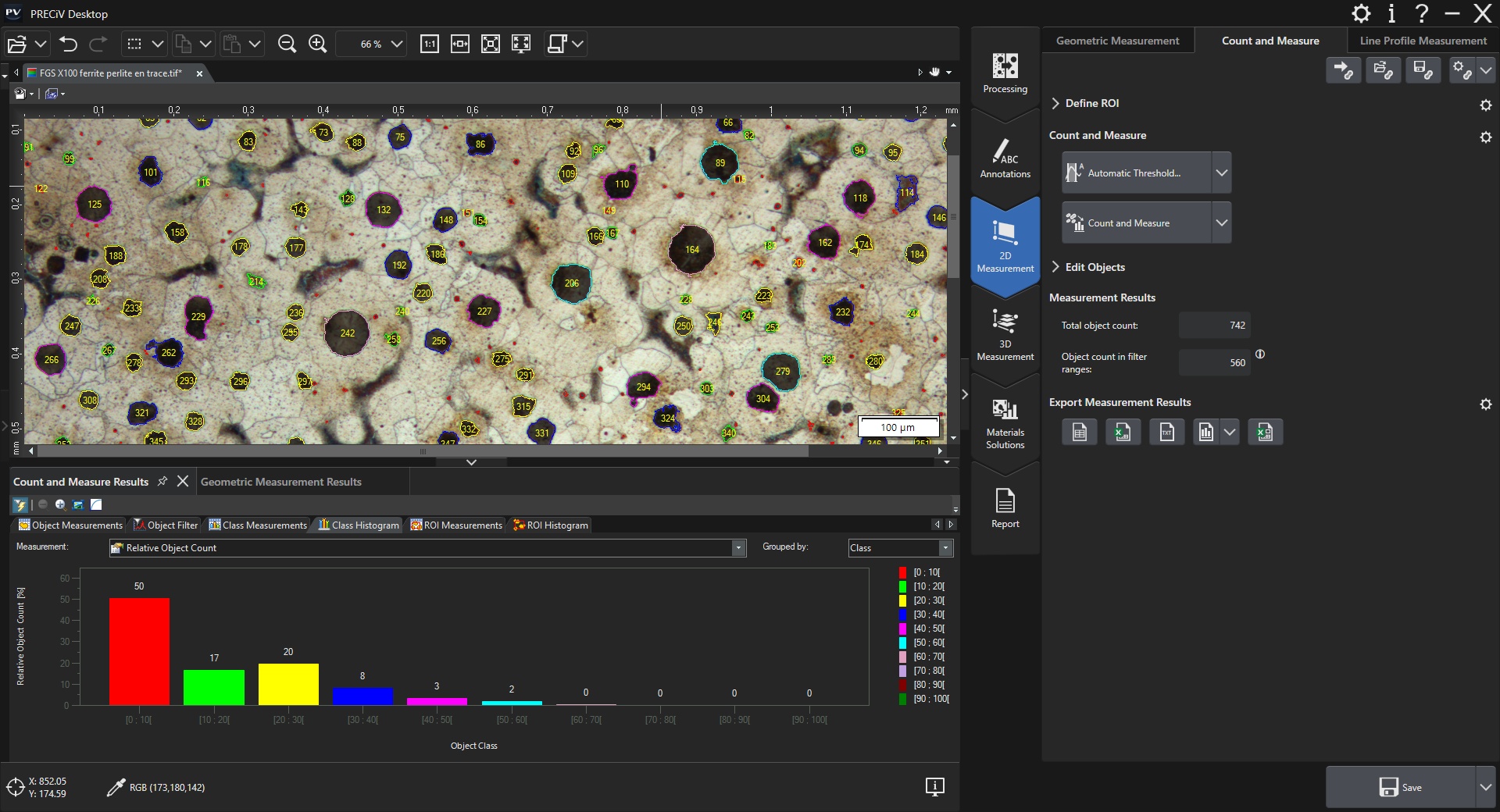
| Count and Measure | — | ◦ | ◦ | ◦ | ◦ | ◦ | ◦ |
| Grain Sizing | — | ◦ | ◦ | ◦ | ◦ | ◦ | ◦ |
| Non-Metallic Inclusions | — | ◦ | ◦ | ◦ | ◦ | ◦ | ◦ |
| Cast Iron | — | ◦ | ◦ | ◦ | ◦ | ◦ | ◦ |
| Layer Thickness | — | ◦ | ◦ | ◦ | ◦ | ◦ | ◦ |
| Porosity | — | ◦ | ◦ | ◦ | ◦ | ◦ | ◦ |
| Particle Distribution | — | ◦ | ◦ | ◦ | ◦ | ◦ | ◦ |
| Coating Thickness | — | ◦ | ◦ | ◦ | ◦ | ◦ | ◦ |
| Phase Analysis | — | ◦ | ◦ | ◦ | ◦ | ◦ | ◦ |
| Neural Network Training | — | ◦ | ◦ | ◦ | ◦ | ◦ | ◦ |
| Dendrite Arm Spacing | — | ◦ | ◦ | ◦ | ◦ | ◦ | ◦ |
| Chart comparison on select standards for grain size, graphite sizing, non-metallic inclusions, and hardened metals | — | ◦ | ◦ | ◦ | ◦ | ◦ | ◦ |
| Customized software solutions | — | ◦ | ◦ | ◦ | ◦ | ◦ | ◦ |
1 DSX2000 only
|
PC Requirements for PRECiV Capture/Core/Pro/Desktop v. 3.1 |
| CPU | Intel® Core i5, Intel® Core i7, Intel® Xeon |
|---|---|
| HDD |
10 GB hard disk space for installation
Min. 50 GB for saving images and data |
| RAM |
16 GB RAM (2 x 8 GB RAM)
Special requirements to the memory for certain functionality: Training of neural networks: 32 GB RAM 3D Analysis Application: 32 GB RAM |
| Operating System | Windows 10 (64-bit), Windows 11 (64-bit); Editions: Pro, Pro for Workstations, Enterprise |
| .Net Framework | Version 4.6.2 or higher |
| Optimized resolution | 1920 × 1080 |
| License activation | Using an Internet connection or code-based |
| One-time migration from OLYMPUS Stream | Migration from former OLYMPUS Stream original licenses to selected PRECiV license |
| Graphics card |
64 bit Graphics board with 2GB RAM
Special requirements to the graphics board for certain functionality |
PC Requirements for PRECiV DSX v. 3.1 |
| CPU | Intel® Core i5, Intel® Core i7, Intel® Xeon |
|---|---|
| HDD |
10 GB hard disk space for installation
Min. 50 GB for saving images and data |
| RAM |
32 GB RAM (2 x 16 GB RAM)
Special requirements to the memory for certain functionality: Training of neural networks: 32 GB RAM 3D Analysis Application: 32 GB RAM |
| Operating System | Windows 10 (64-bit), Windows 11 (64-bit); Editions: Pro, Pro for Workstations, Enterprise |
| .Net Framework | Version 4.6.2 or higher |
| Optimized resolution | 1920 × 1080 |
| License activation | Using an Internet connection or code-based |
| One-time migration from OLYMPUS Stream | Migration from DSX-BSW-V1 and DSX-BSW-V2 to PRECiV DSX |
| Graphics card |
64 bit Graphics board equivalent to NVIDIA Quadro P620 / T600 / T400 with 4GB RAM
Special requirements to the graphics board for certain functionality: Training of neural networks: NVIDIA graphics board compatible with CUDA 11, 6GB RAM |