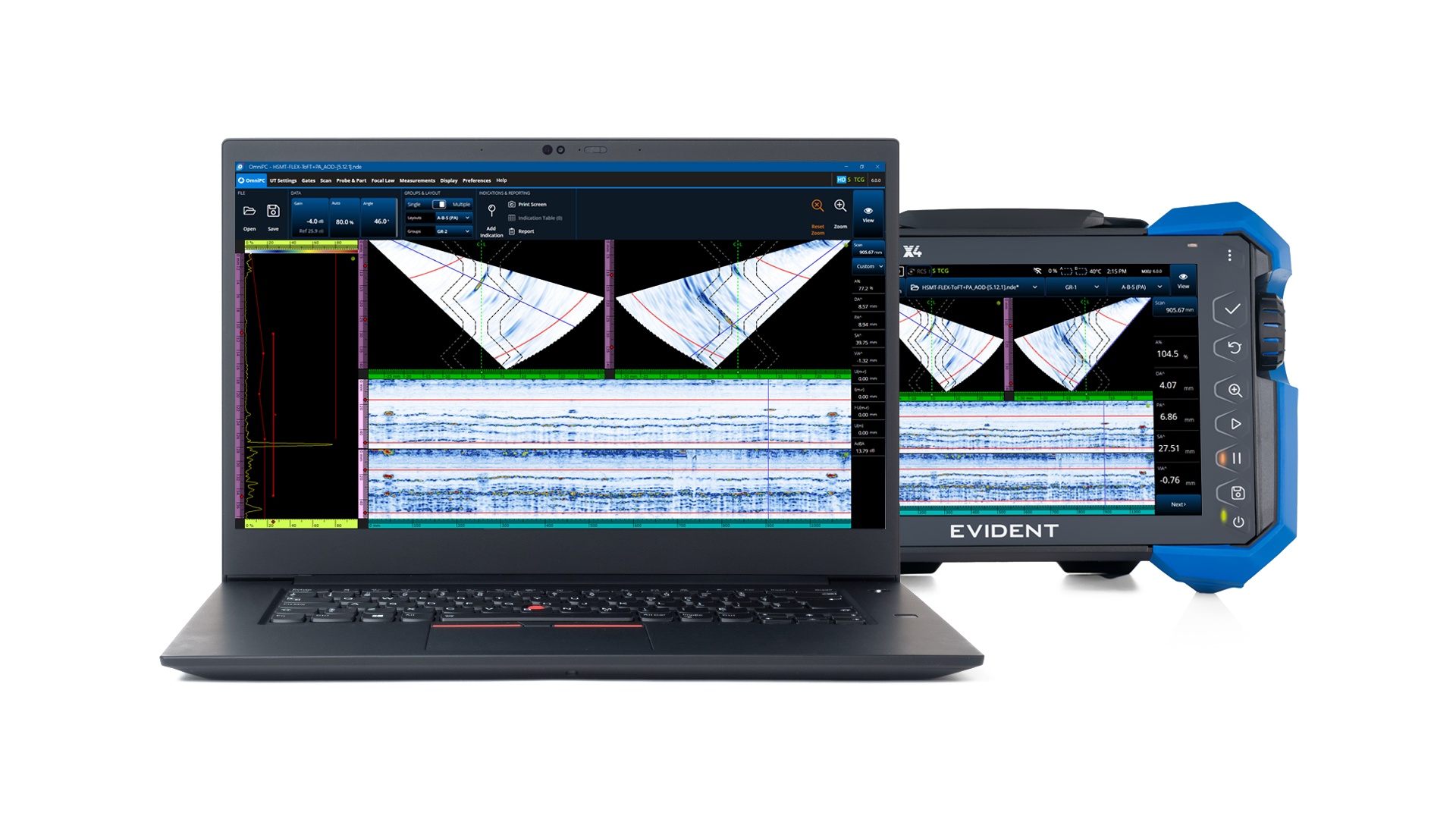
Our complimentary OmniScan companion data analysis software for PCs is designed to meet most basic phased array, TOFD, and TFM analysis needs.
Key Advantages of OmniPC 6 Software
The user-friendly and flexible features of OmniPC 6 include:
Familiar OmniScan user interface eases the learning curve.
Convenient shortcuts speed up navigation.
Multiple sessions can be open on one computer for increased efficiency.
Data acquisition can be “replayed,” and you can adjust Gain, apply the Auto 80%, and slide the Data cursors at any time.
Skew, Scan Offset, and Index Offset can be adjusted during analysis to improve accuracy.
Use the gate in True Depth or Sound Path or change the Zoom Palette to locate indications faster.
Corrosion inspections: Gates A, B, and I are available with various lists of readings.
TOFD inspections: Recalibrate your wedge delay and PCS in your TOFD files, and synchronize and remove the lateral wave as required.
Different data exporting options are available to meet your reporting needs.
Compatible Software for Setup and Analysis
Leverage our range of compatible PC software to ease your inspection workflow, optimize your data analysis, and facilitate code-compliant reports.
ScanPlan Software
Using all the familiar tools offered in the OmniScan X4 unit, build your scan plan on a PC and manage your inspections with more flexibility and efficiency.
WeldSight™ Software
Perform advanced analyses of OmniScan X4 weld inspection data. Use the WeldSight Remote Connect app to remotely control phased array inspections via your WeldSight PC.
AeroView Software
AeroView software is optimized with customized layouts and tools to ease compliant aerospace and aviation data analyses. Use the OmniScan X4 Black Box app to remotely control phased array inspection via your AeroView Inspection PC.
Flexible Tools to Ease Your PAUT and TOFD Data Analysis